Billable, not billable, and invoiced
Every hour carries two separate flags, and keeping them apart is what makes the numbers trustworthy.
Billable answers "can this be charged to the customer at all". It has three states, not two: Billable, Not billable and Not decided. The third is deliberate — logging time should not force a commercial decision at the moment you are trying to get on with the work. You can decide this later.
Invoiced answers "has it actually been put on an invoice yet". Use Mark invoiced and Not invoiced. Billable hours that are not yet invoiced are your To invoice — money already earned and not yet asked for.
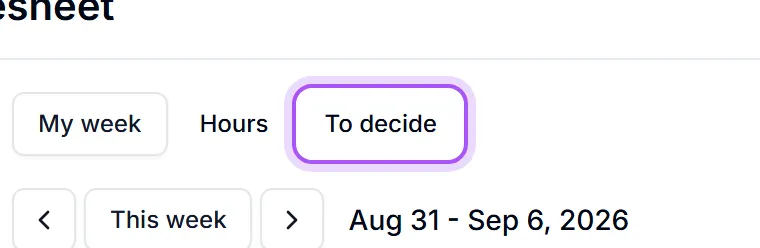
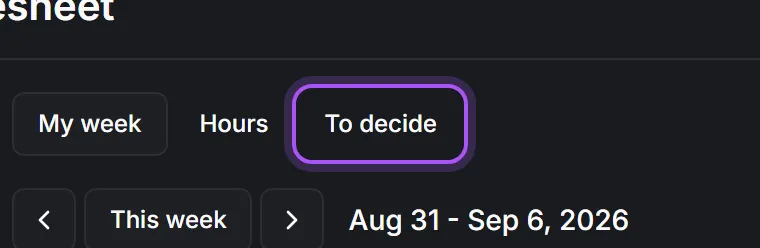
Settling the undecided ones in bulk. Switch to To decide, which lists exactly the entries nobody has ruled on.
- 1Pick the Period.
- 2Use Group by to bring one customer or project together.
- 3Select all, or select a group with Select every entry for {{name}}.
- 4Mark the selection billable or write it off. You are told {{count}} entries marked billable or {{count}} entries written off.
When the period is clean you get Nothing waiting — Every hour in this period has already been decided.
Showing the first {{count}} entries. Decide these and the rest appear. That is intentional: it keeps a long backlog from becoming a page you scroll rather than a queue you clear.
Doing this weekly is the point. Deciding a month later means guessing, and guessing in the customer's favour is how billable hours quietly leak. The {{hours}} not yet decided marker in the header is there to make the backlog visible before it grows.
Was this helpful?