Custom tabs on a record
A customer card, a sale, an activity and the card for any object you have defined yourself all come with a row of tabs across the top. Most of them are built in and show one fixed thing, but you can add tabs of your own and decide exactly what goes on them: fields, headed groups of fields, and whole panels lifted from elsewhere in the record.
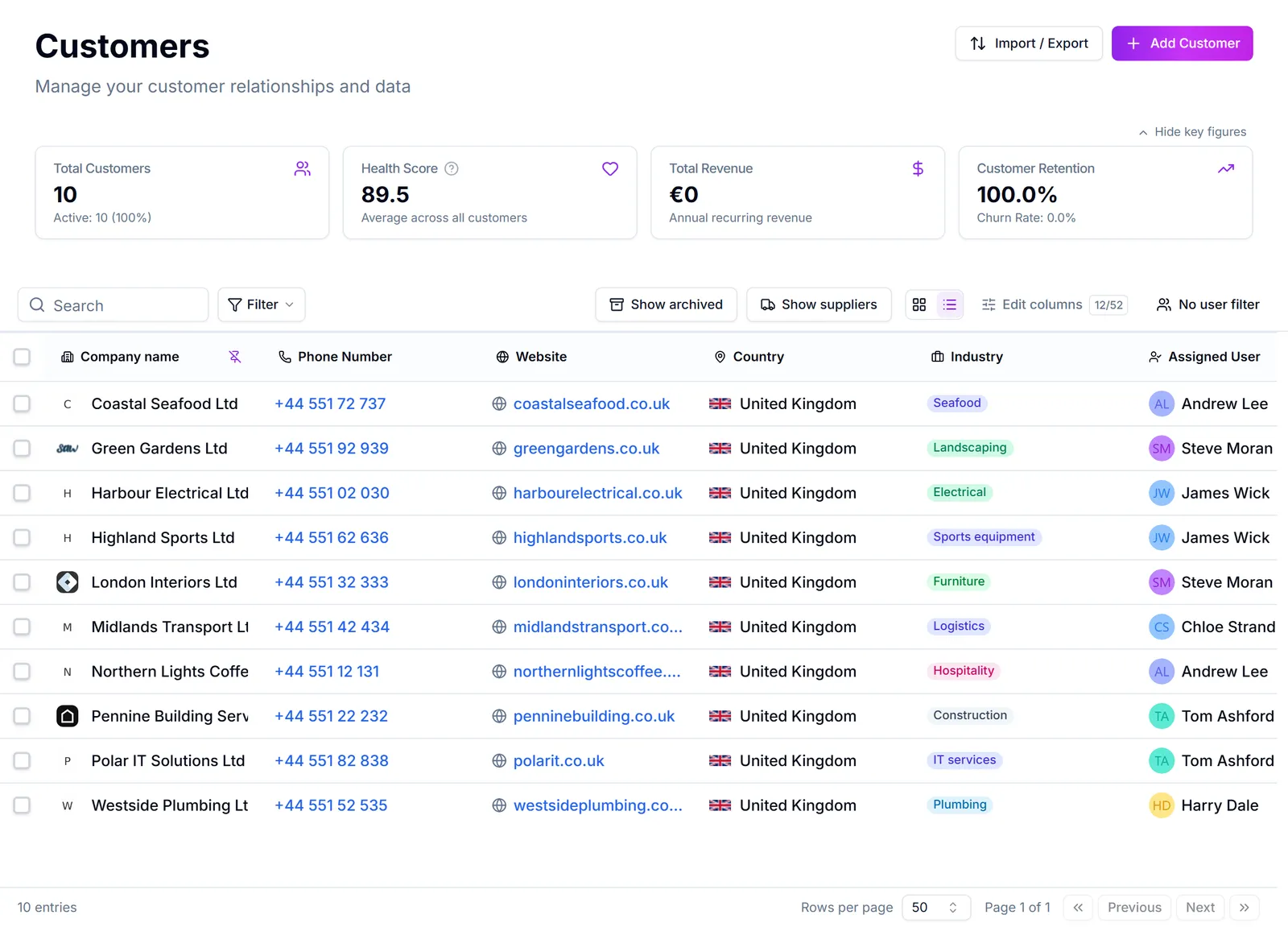
This is how a company stops working around the standard layout. A workshop puts service intervals, vehicle details and the next inspection date on one screen. A consultancy builds a single tab with the contract fields, the open deals and the timeline together, so nobody has to click between four tabs to prepare for a call.
Where it lives. Custom tabs are part of the record page, not a settings screen. You build them on a real record, with real data in front of you, by opening one of those records and choosing Rediger layout at the bottom of the record panel on the left. Everything then edits in place. Afslut redigering puts the page back to normal.
A tab belongs to the company, not to you. Anything you add, arrange or hide while editing is the layout everybody in the workspace gets, which is why only an administrator can change it. Two things are yours alone and change nothing for anyone else: which tabs you pin to the bar rather than leave in the overflow menu, and which tab opens first when you land on a record (Vælg som standardfane).
Three kinds of building block.
- A field is one value on this record, editable in place, standard or one of your own custom fields. Put fields and groups on a tab
- A group is a headed box you drop fields into, so a tab reads as sections rather than a wall of boxes. Put fields and groups on a tab
- A panel is a whole live component: the timeline, the contacts list, open opportunities, invoices, the health score. Add panels to a tab
Everything sits on a grid you drag and resize, and each panel can be told whether it belongs on desktop, tablet or phone. Arrange and resize what is on a tab
Custom tab or custom field? A custom field is a new value to store. A custom tab is a new place to show values you already have. You will often want both, and the tab builder can create a field for you while you are laying the tab out. See Add a custom field.
Which records have this. The customer card, a sale, an activity, and every custom object you have defined. Each of those keeps its own separate layout, so arranging one never moves the others. Which records you can build tabs on
Limits. Up to 20 custom tabs per record type, and up to 50 blocks on one tab (a field, a group and a panel each count as one block).
I dette afsnit
Which records you can build tabs on
Custom tabs work across record pages, with a separate layout for each type of record
Add a tab to a record page
Create a tab on a record, give it a name, an icon and a title, decide who sees it, and reorder or hide the tabs you already have
Put fields and groups on a tab
Add standard or custom fields to a tab, create a missing field without leaving the page, and gather fields into headed groups
Add panels to a tab
Drop the timeline, contacts, opportunities, invoices or the health score onto a tab of your own, as a summary card or as the full list, and set each panel's options
Arrange and resize what is on a tab
Drag and resize blocks on the grid, use the full width of the page, and decide which panels appear on tablet and phone
Pin something to the top of the timeline
Keep an important note, email, ticket or any other timeline entry in view at the top of a record, for the whole team
Save views on a record's timeline
Filter and search a customer's, deal's or contact's whole history, and keep the views you use as tabs
Give colleagues your side-panel layout
An administrator can copy their arrangement of a record's side panel to colleagues or teams, and make it the default for new users
See what was changed on a record, by whom and when
Every change to a customer, contact or deal field is kept with its previous value, the person or integration that made it, and the time
Save changes and recover unfinished records
What happens to unfinished contacts, leads, custom records and task edits when you leave or reload a page
Almindelige spørgsmål
- Does the tab builder work on anything other than customers?
- Only some people should see this tab
- Show a field as radio buttons instead of a dropdown
- What panels can I add?
- Keep the company box on a full-width tab
- Can everyone see pinned items?
- Why does the timeline filter reset?
- Do I have to set up the layout for each user?
- What did this field say before?
- Why am I warned before leaving a record?