Website chatbot
Byg en chatbot ind på din hjemmeside. Den svarer besøgende baseret på din vidensbase og opretter en sag for alt, den ikke kan håndtere.
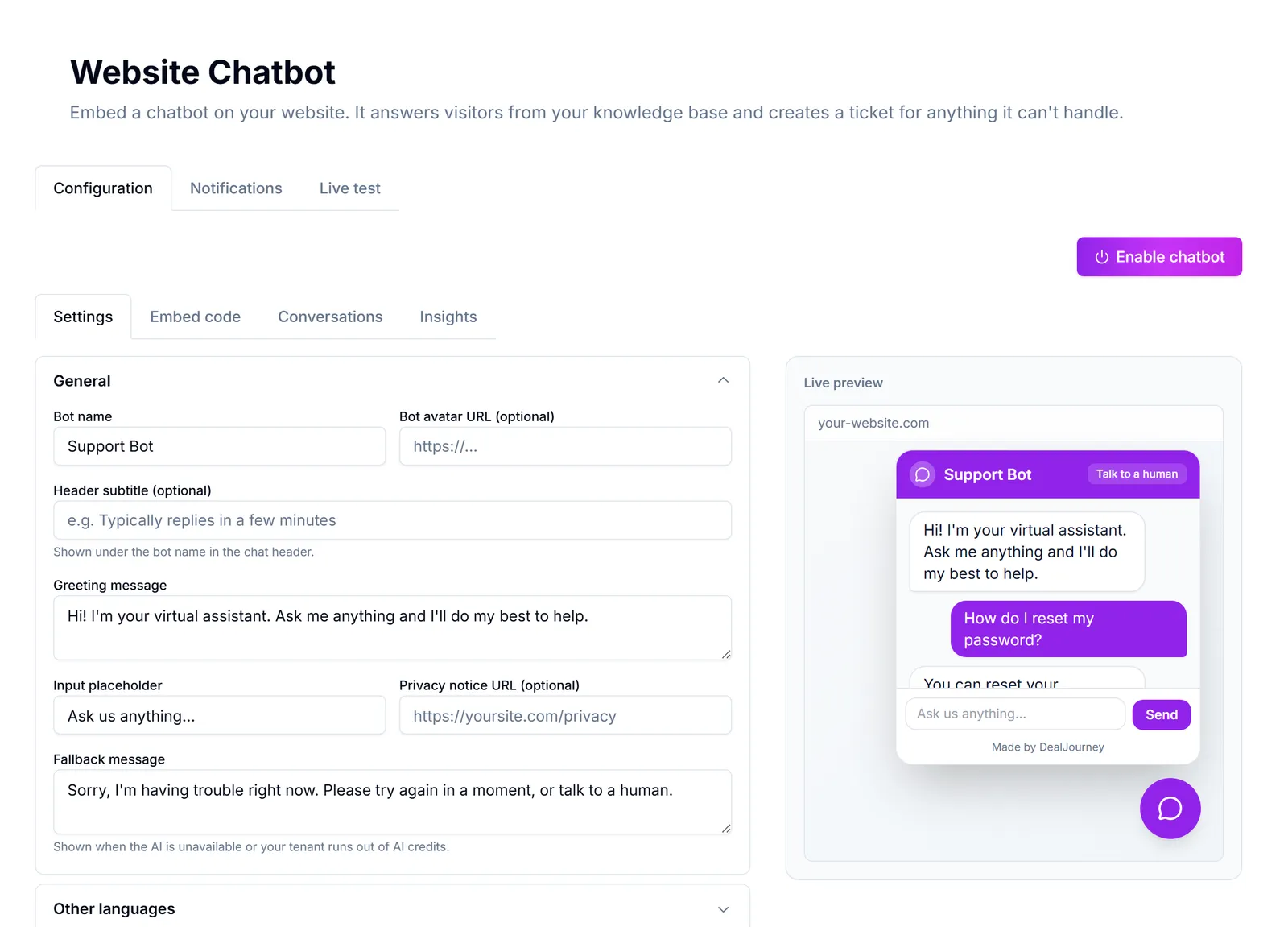
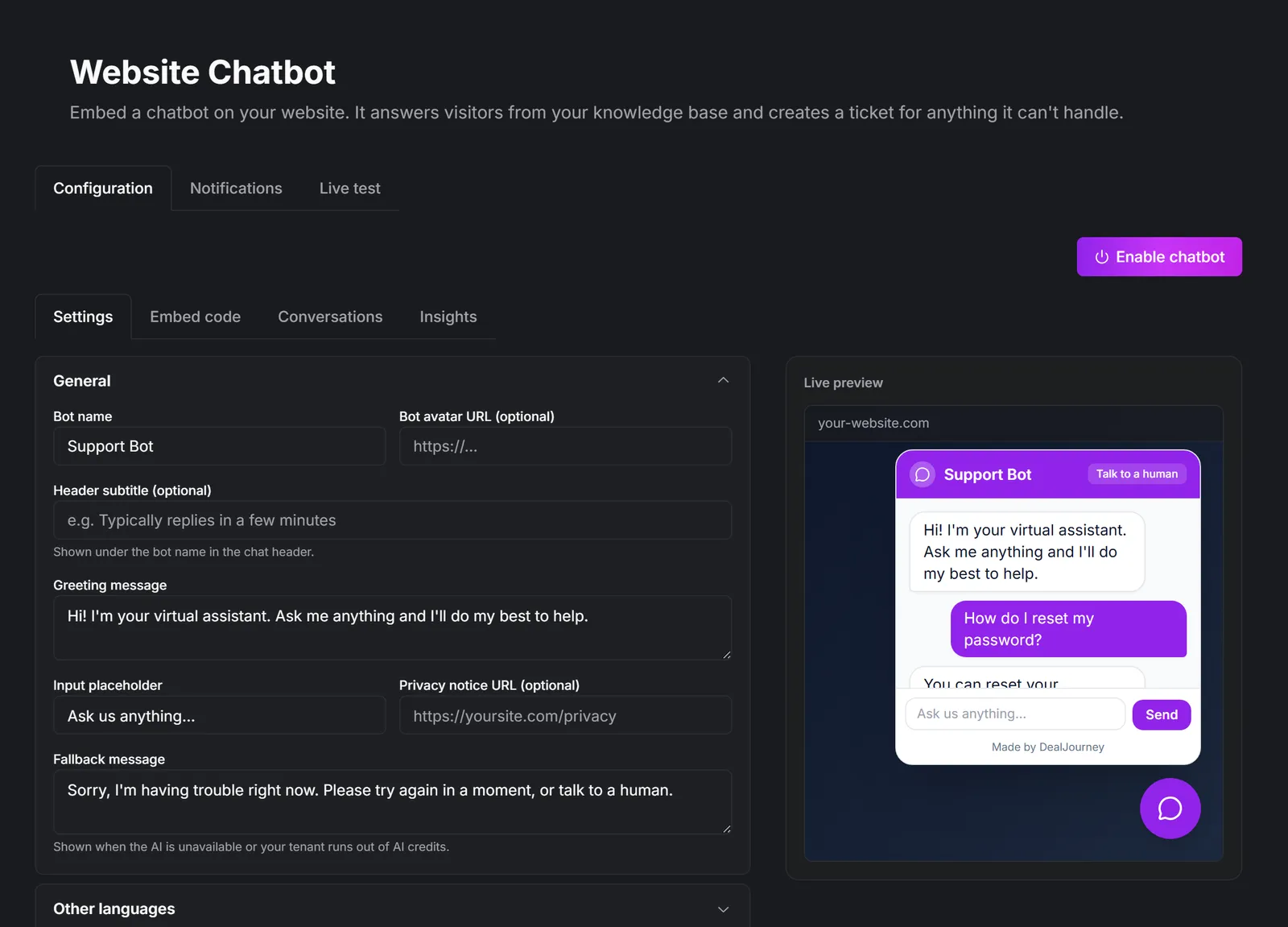
Gør dit website til en salgs- og supportkanal, der er åben døgnet rundt.
How it fits together:
- Besvarer besøgende med det samme baseret på din eksisterende vidensbase — ingen separat oplæring. What the chatbot knows
- Eskalerer alt, den ikke kan håndtere, til en sag, så intet falder mellem stolene. What a chat turns into
- Lader dit team overtage en aktiv samtale fra fælles indbakke, når der er brug for en menneskelig hånd. Step into a live chat
- Kan indlejres på ethvert website med ét lille kodestykke — Webflow, WordPress, Squarespace, Wix, Shopify eller egen HTML. Put the chatbot on your website
Where you configure it: Chatbot på hjemmesiden in the admin area, with tabs for Konfiguration, Notifikationer, Indlejringskode, Samtaler, Indsigt and Livetest.
Chatbot versus Dealy. The chatbot faces your *visitors* and answers from your public knowledge base. Dealy faces *your team* and works with your CRM data. They are separate, and the chatbot can see nothing about your customers. See Dealy, the assistant.
Chatbot versus team chat. Team chat is internal conversation between colleagues: Team chat.
It is only as good as your knowledge base. A bot with three articles behind it will escalate almost everything, which is worse than no bot. Write the answers first: Write a knowledge base article
I dette afsnit
Put the chatbot on your website
Configure the bubble, copy one snippet, and paste it into your site
What the chatbot knows
Public knowledge base articles, plus your own instructions — and nothing else
Step into a live chat
Watch conversations as they happen and take over from the bot when it matters
What a chat turns into
Escalations become tickets, and the conversation is the context