Activities
An activity in DealJourney is a piece of work attached to a record: a call to make, an email to send, a meeting to hold, a task to finish. It is how the CRM answers "what should I be doing, and who for".
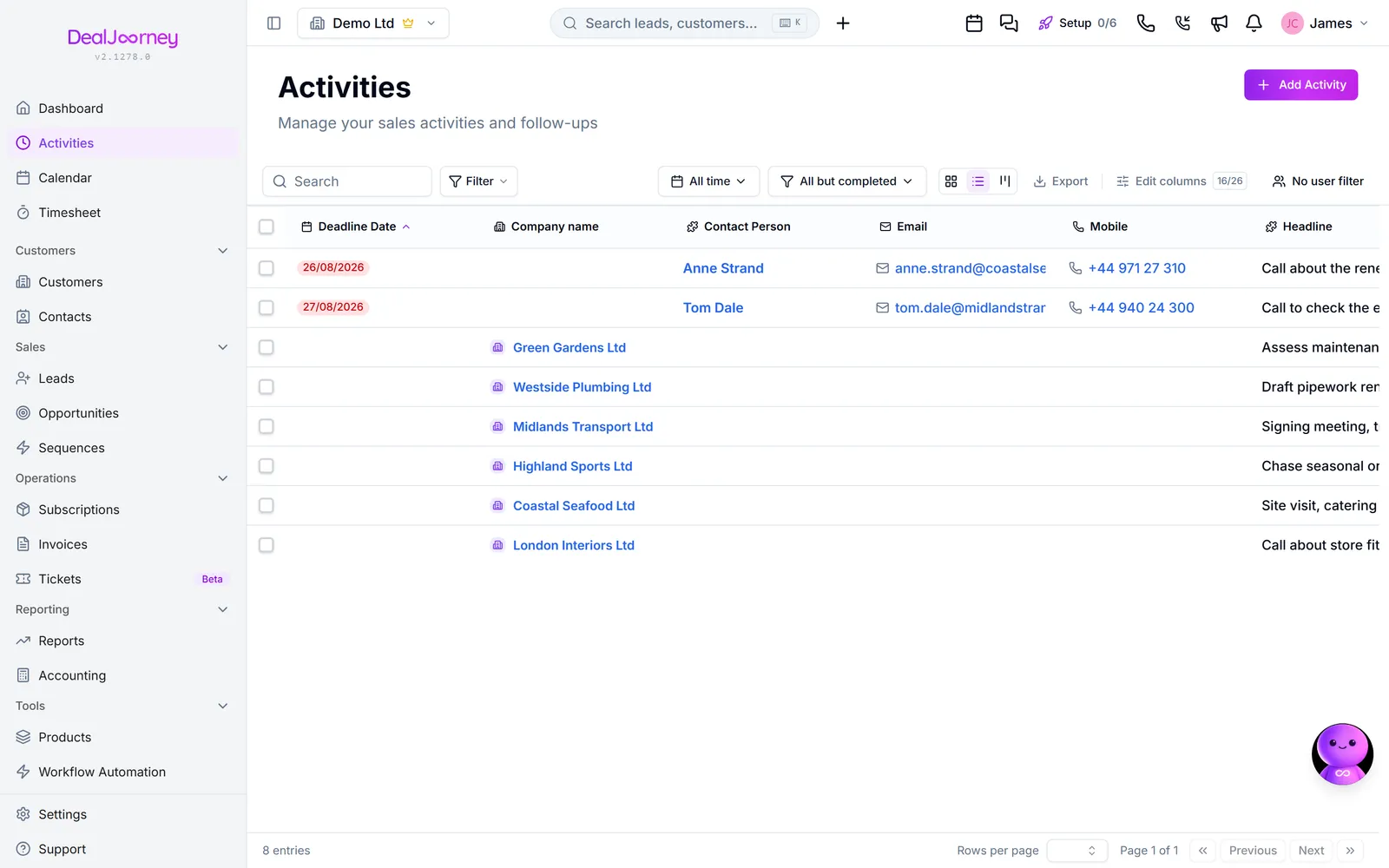
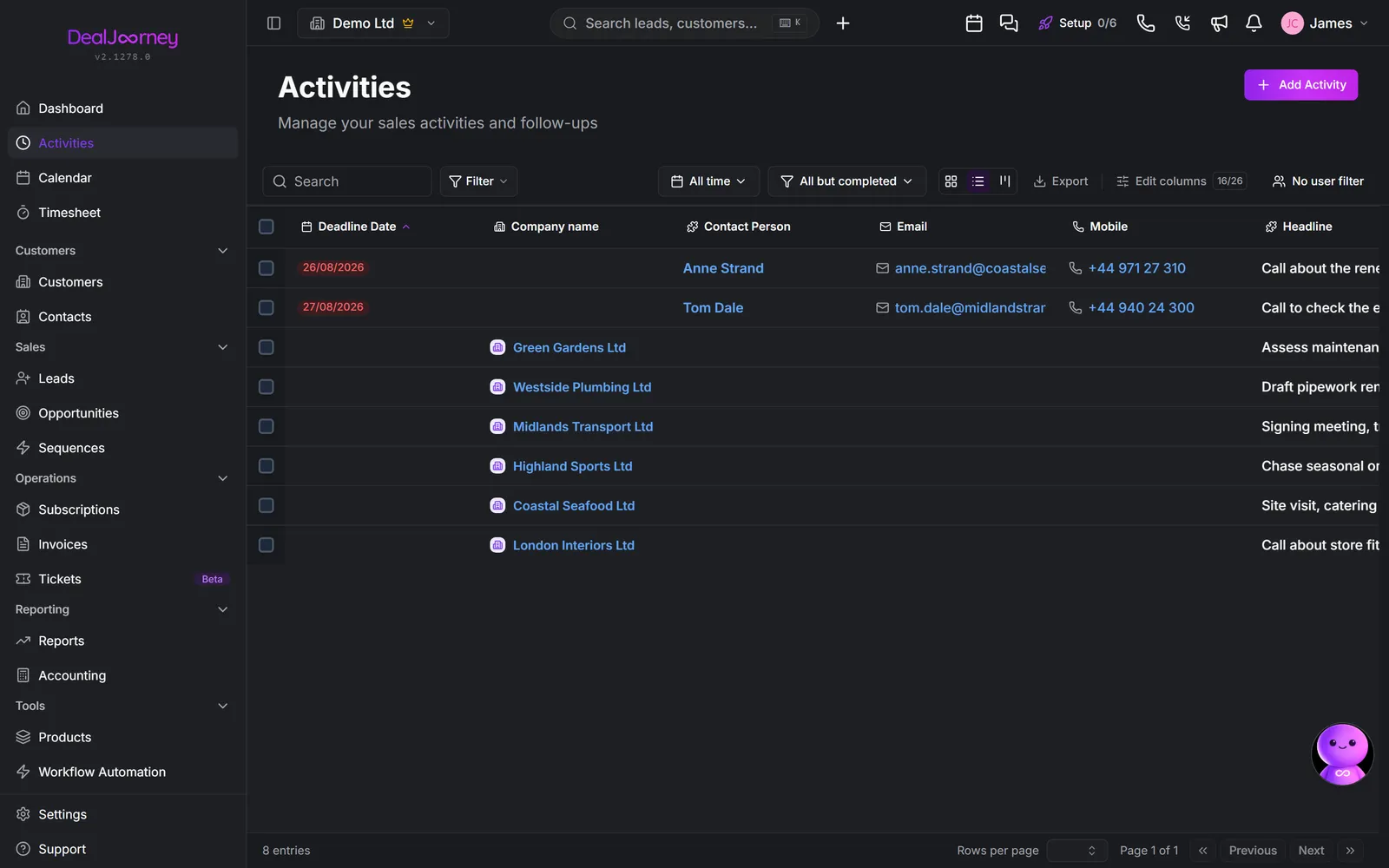
Every activity carries three things that make it useful:
- A type: Type says whether this is a call, a meeting, a task, and so on.
- A deadline: the date it is due. This is what puts an activity into Forsinket or I dag.
- An owner: the Ansvarlig responsible for it. If nobody is assigned, nobody will do it.
Activities are normally linked to a customer, contact, lead, or opportunity, and they show up on that record's timeline. That link is what turns a list of tasks into history: open a customer months later and you can see every call and meeting that led to the deal.
Activities vs the calendar. An activity is the work item; a calendar event is a booked slot in time with attendees. Booking a meeting from an activity creates the calendar event and keeps the two connected, so the meeting shows on the customer's record as well as in your calendar.
Activities vs checklists. An activity can hold its own checklist of smaller steps. Use the checklist for the parts of one job; use separate activities when the pieces have different deadlines or different owners.
From the Aktiviteter page you can see everything open across the team, filter by time and status, work down your own list, and export a selection.
I dette afsnit
Add an activity
Log a call, email, meeting or task and attach it to the record it belongs to
Complete an activity
Tick a piece of work off, from the list or from inside the activity
Edit an activity
Change an activity's date, owner, type or the record it is attached to
Delete an activity
Remove an activity you no longer need, and when to complete it instead
Search, filter, and save activity views
Move between what is due, what is overdue and what is done, and save the view you live in
Use a checklist on an activity
Break one job into steps without cluttering your list with five separate activities
Park work in a team queue
Hold work with a department instead of a person, until somebody picks it up
Link quotes to an activity
Keep every quote that came out of one conversation attached to the activity it came from