Importing data
Import brings records into DealJourney from a spreadsheet. It lives under Importer in the sidebar and handles customers, contacts, leads, opportunities and more.
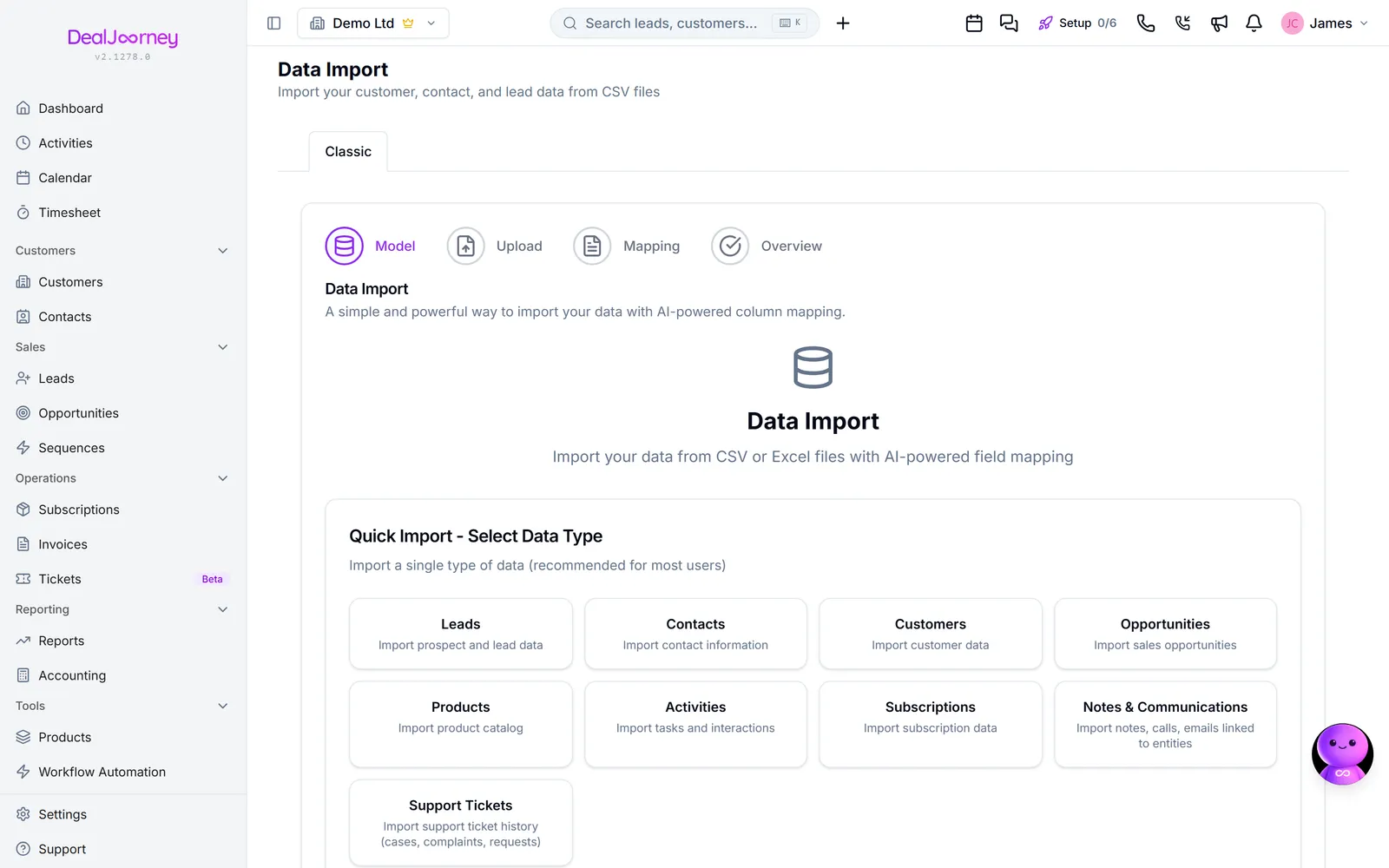
Accepterede formater: .csv, .xls, .xlsx
The import runs in steps: Upload the file, choose the Model (which kind of record you are creating), then Kobling the columns onto fields, and finally review before anything is written.
Importing is the fastest way to make a mess as well as to fill a CRM. A thousand rows imported with the wrong mapping is a thousand records to clean, and cleaning is much slower than importing. Two habits prevent almost all of it:
- Import a handful of rows first. Cut the file down to five, run it, and look at what you got. Then run the full file.
- Import companies before people. A contact can be linked to its company during import, but only if the company already exists. Doing it the other way round leaves you with people attached to nothing.
The mapping does the real work, and DealJourney proposes it for you rather than making you match every column by hand. Those proposals are a starting point to check, not an answer to accept. See "Match your columns to fields".
Existing records can be updated rather than duplicated, if you tell the import what makes a row the same as a record you already hold.
I dette afsnit
Run an import
Take a file from spreadsheet to records, with a preview before anything is written
Match your columns to fields
Tell the import which column in your file belongs in which field
Avoid creating duplicates
Update the records you already hold instead of creating a second copy of everything
Bring your webCRM files across
Move the documents saved on your webCRM records into DealJourney, onto the customer, deal or contact each one belongs to
Bring the products registered on your webCRM customers across
The things each customer has in webCRM arrive in DealJourney as their own object, with the same fields and the same names you gave them
Create many activities or deals from one file
Choose to create activities or opportunities in bulk, give every new record the same values, and share them out evenly between people
Import or update products from a file
Bring a product list in from a spreadsheet; rows matching a product you already have update it, the rest become new products