Contracts
Kontrakter is where you write a contract, send it to the other side, and watch it come back signed. Everything happens in DealJourney: there is no separate signing tool and no PDF going back and forth by email.
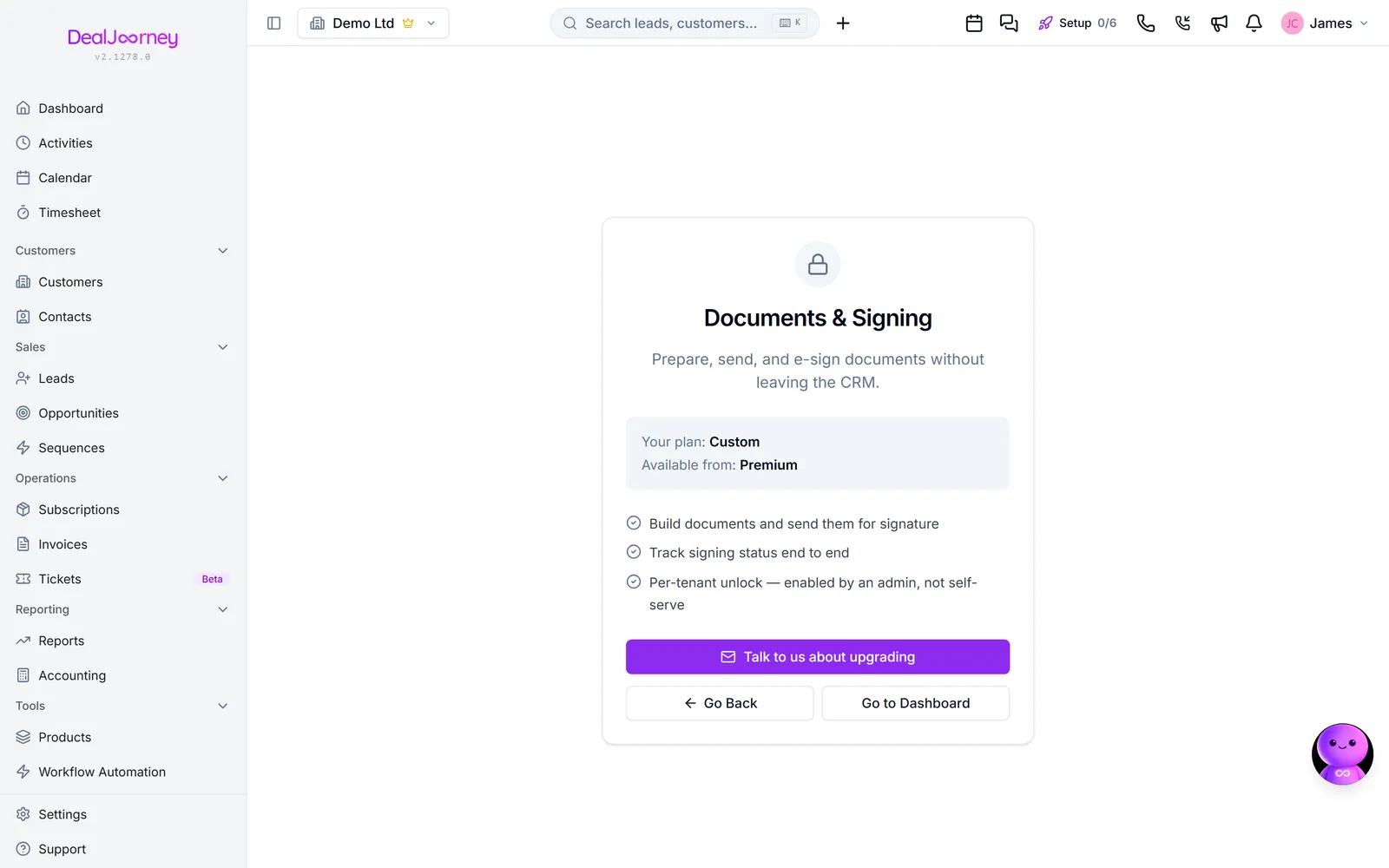
A document is one agreement with one counterparty. It starts as a draft you can change freely, and once you send it the wording is locked, because the signature has to attach to something that cannot move afterwards.
A template is a document you keep to reuse. Templates live behind Skabeloner, and a document started from one arrives with all the wording already in place. You never have to build one first: five finished contracts are built in, and Nyt dokument offers them alongside anything your company has saved.
Every document has two kinds of content:
- Text you write: headings, paragraphs and numbered clauses.
- Fields somebody fills in: a date, a price, a name. Each field belongs either to you or to the counterparty, and only its owner can type in it.
Fields are what makes the difference between the two document kinds Nyt dokument asks about first. Færdig udformet produces a contract that reads as printed, where the counterparty's fields are collected in a short panel underneath. Interaktivt lets them type directly into the document as they read it. Both end in the same signed PDF.
I dette afsnit
Start a document from a built-in template
Five ready-made contracts you edit. What each one gives you, and what to change first
Arrange a document — blocks, parties and printing it out
Add a block anywhere, duplicate one, drag the rows of a party card, and download a copy to sign by hand
Take a contract from the template library
Finished contracts that come with DealJourney. Copy one into your own templates and edit it, or send it as it stands
Merge fields in a document
Use standard and custom fields from any record in a contract draft
Complete and review a contract before sending
Fill missing details once, review changes from the deal, and compare contract wording
Fields, and who fills each one
Every fillable field belongs to somebody — you, or the person signing
Send a document for signature
Add the signers, choose the order, write the email, send
Track a document and chase a signature
See every open and sign, send a reminder, or void it
Save your own templates and sections
Keep a whole contract to reuse, or just the one section you rebuild every time
Get an existing PDF signed
Upload the file, drop the signature fields on the page, send
Have AI write or change a document
Describe the document you need and get a draft, then ask for changes in plain language and approve them one by one
Turn a PDF you already have into an editable document
Upload a contract and have it re-created with our blocks, so you can edit it, reuse it and save it as a template
What is checked before a document goes out
Why Send is greyed out, and how to clear each problem
The other side cannot sign or fill something in
Every reason a signer gets stuck, and which of them you can fix
Almindelige spørgsmål
- Is there a template for an employment contract?
- Change the order of address and org number in a contract
- Do you have standard contract templates?
- Automatically fill in the company details
- Complete missing company details in a contract
- The customer needs to enter their own details
- Let someone accept a contract without a signature
- What does partially signed mean?
- Where are my saved sections?
- Our lawyer sent us a PDF, can we sign it here
- Can AI write a contract for me?
- Can I edit a PDF contract?
- Why can't I send this document?
- Fields are greyed out for the customer