Accounting
The accounting area, under Regnskab in the sidebar, brings figures from your finance system into the CRM so the people talking to customers can see the commercial reality of the relationship: what has been invoiced, what is outstanding, what a customer is actually worth.
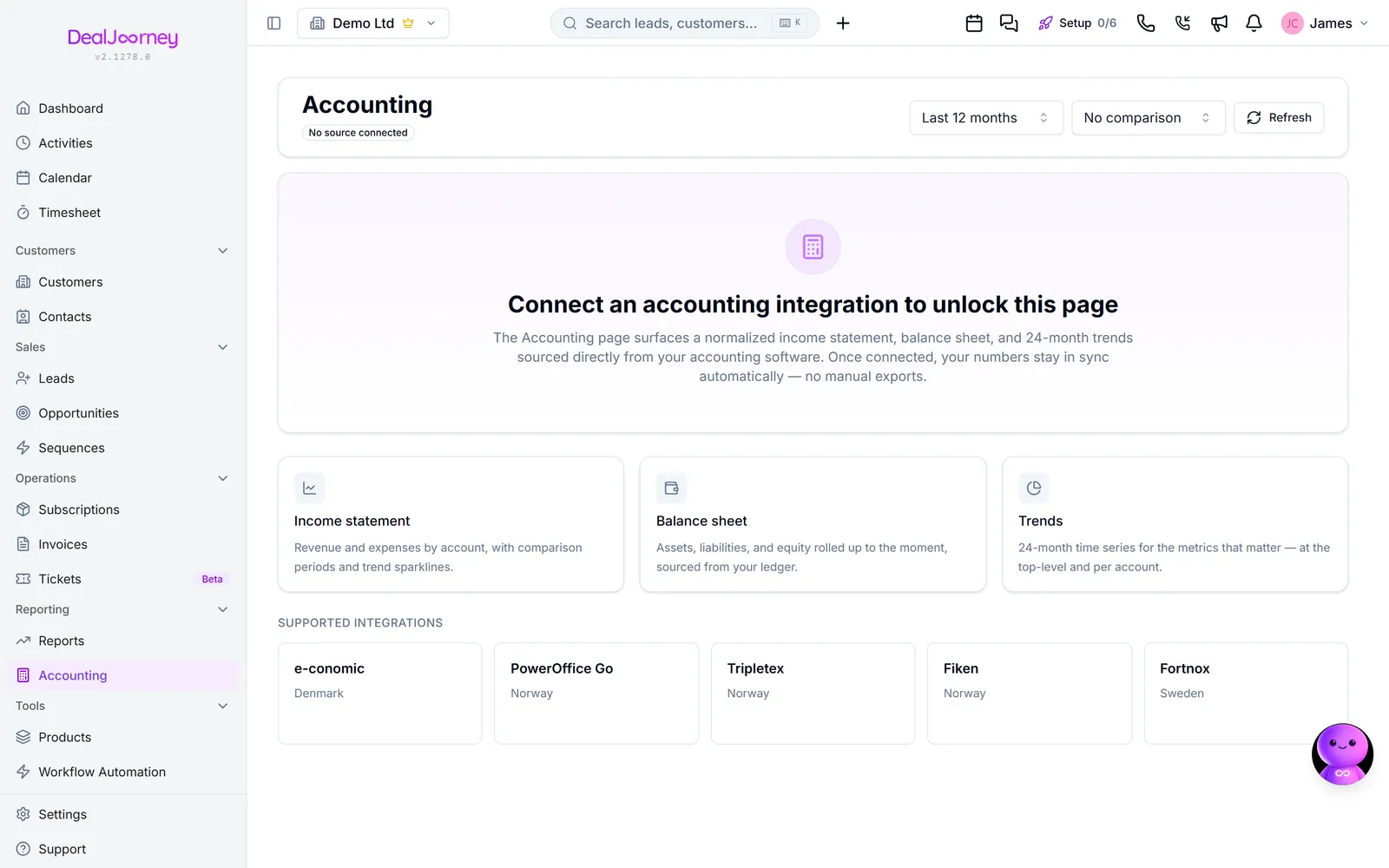
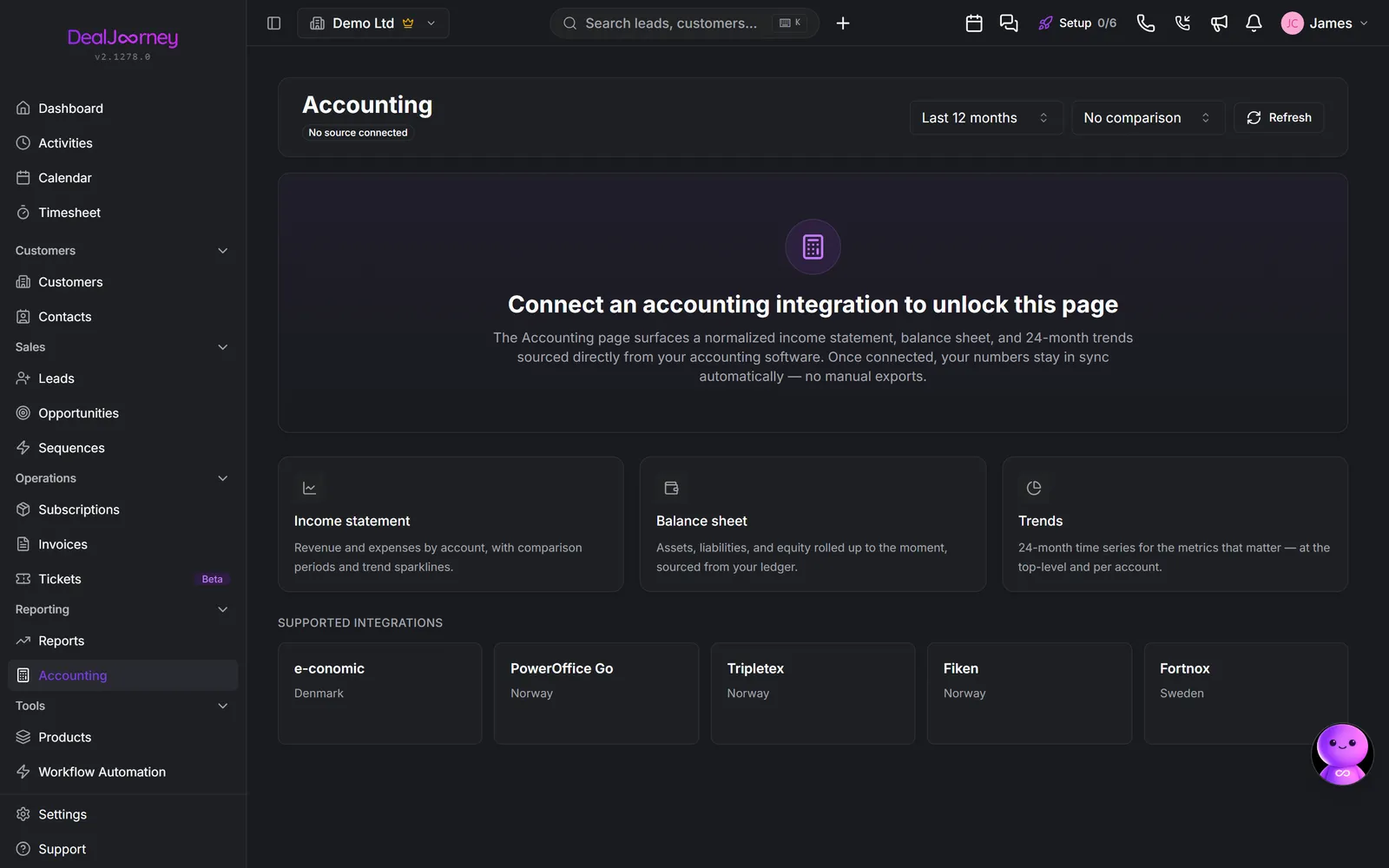
It is not a bookkeeping system, and it is not trying to be. Your accounting system remains where the books are kept and where an accountant works. Nothing here replaces it, and figures shown are a reflection of it rather than a second set of records.
This matters because it decides where to fix things. A wrong amount is fixed in the accounting system and flows back; correcting it in the CRM would only create disagreement between the two.
What it is genuinely useful for is the conversation before a renewal or a chase. An account manager who can see that a customer has two overdue invoices and a falling spend goes into that meeting properly prepared, and none of that is visible from the CRM records alone.
Without a connected accounting system, this area has little to show. See "Connect an accounting system".
Related areas: invoices for the billing documents themselves, and the liquidity forecast for what the money means for cash coming in.
I dette afsnit
Connect an accounting system
Connect your accounting system once, for the whole company
How the accounting sync behaves
What syncs, in which direction, how often, and which system wins a disagreement
Something was deleted in your accounting system
What happens on your side when a customer, supplier, contact or product is removed from the accounting system, and how to review it
Match accounting-system salespeople to DealJourney users
Link the person your finance system holds as responsible for a customer to the DealJourney user who is the same human
Income statement, balance sheet and trends
Your figures from the accounting system, read inside the CRM
Review, approve and book native accounting purchases
Keep a supplier bill or credit together through review, approval and booking
Review employee expenses and supporting receipts
Keep actual personal expenses, receipts, approval and accounting corrections together
Review native payroll availability and holiday-pay balances
Understand remaining holiday pay, workspace access and the limits of native payroll
Review an advanced manual accounting entry
Enter exact balanced debit and credit lines without losing incomplete amounts
Link an asset to its acquisition
Review existing acquisition cost before posting depreciation in native accounting.
Read native accounting reports and account history
Compare period activity with balances carried forward and inspect the underlying postings
Review and book sales invoices in native accounting
Preserve issued invoice lines, tax treatments and customer balances in the native books
Review statement entries against native accounting
Match recorded bank movements to the books and explain differences explicitly
Review recurring accounting entries and missed periods
Preserve calendar intent, choose automatic or reviewed posting, and resolve failed occurrences
Review dated ownership and correct shareholder events
Keep ownership history consistent when recording backdated transfers or corrections
Complete company details for native accounting exports
Save legal identity and contact details, then resolve missing export facts directly
Review, close and reopen accounting periods
Complete monthly evidence, retain closing decisions and safely close or reopen a year
Review VAT return versions and changed figures
Retain each VAT return, compare later accounting changes and distinguish simulated results from filing receipts
Almindelige spørgsmål
- Connect our accounting system
- How often does accounting sync?
- Does deleting in tripletex delete in dealjourney?
- Who is responsible for this customer in the accounting system
- See our financial figures
- Book a supplier credit in native accounting
- Attach a receipt to my travel expense
- Why can I not create another holiday pay run?
- Why is an unfinished accounting line blocking posting?
- Review an asset depreciation schedule
- Why is profit still visible after closing the year?
- Fix missing accounting detail on an invoice
- Why did automatic bank matching leave a payment unmatched?
- Why did my month-end recurring entry change date?
- Why can I not transfer shares that the shareholder owns today?
- Where do I enter the organisation number for accounting export?
- Why can I not close the month?
- Why do the VAT return and current books differ?