Document storage
DealJourney keeps files with the records they belong to, so a customer's contracts and proposals are on the customer rather than in somebody's inbox. Storage is configured under Dokumentlagring.
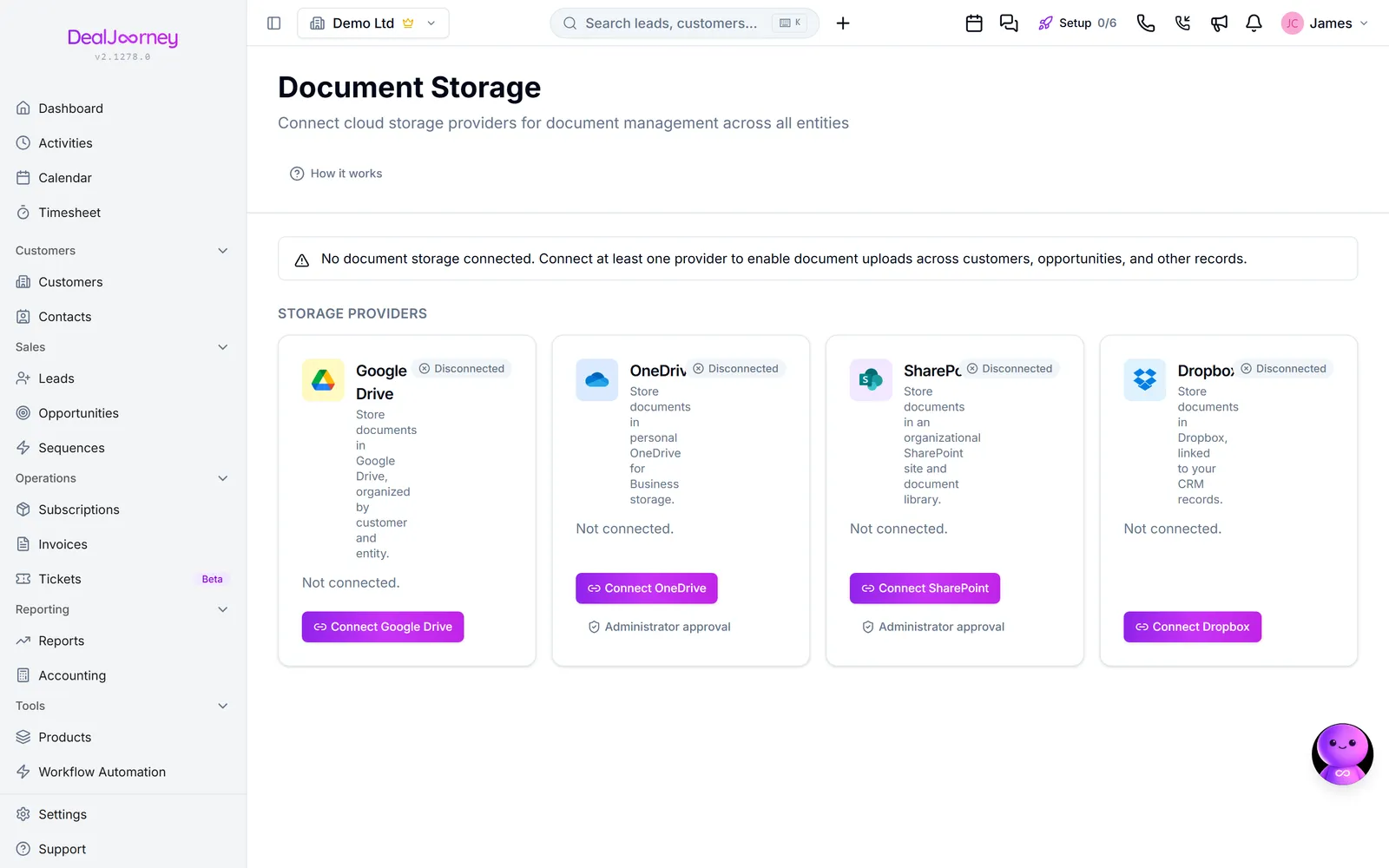
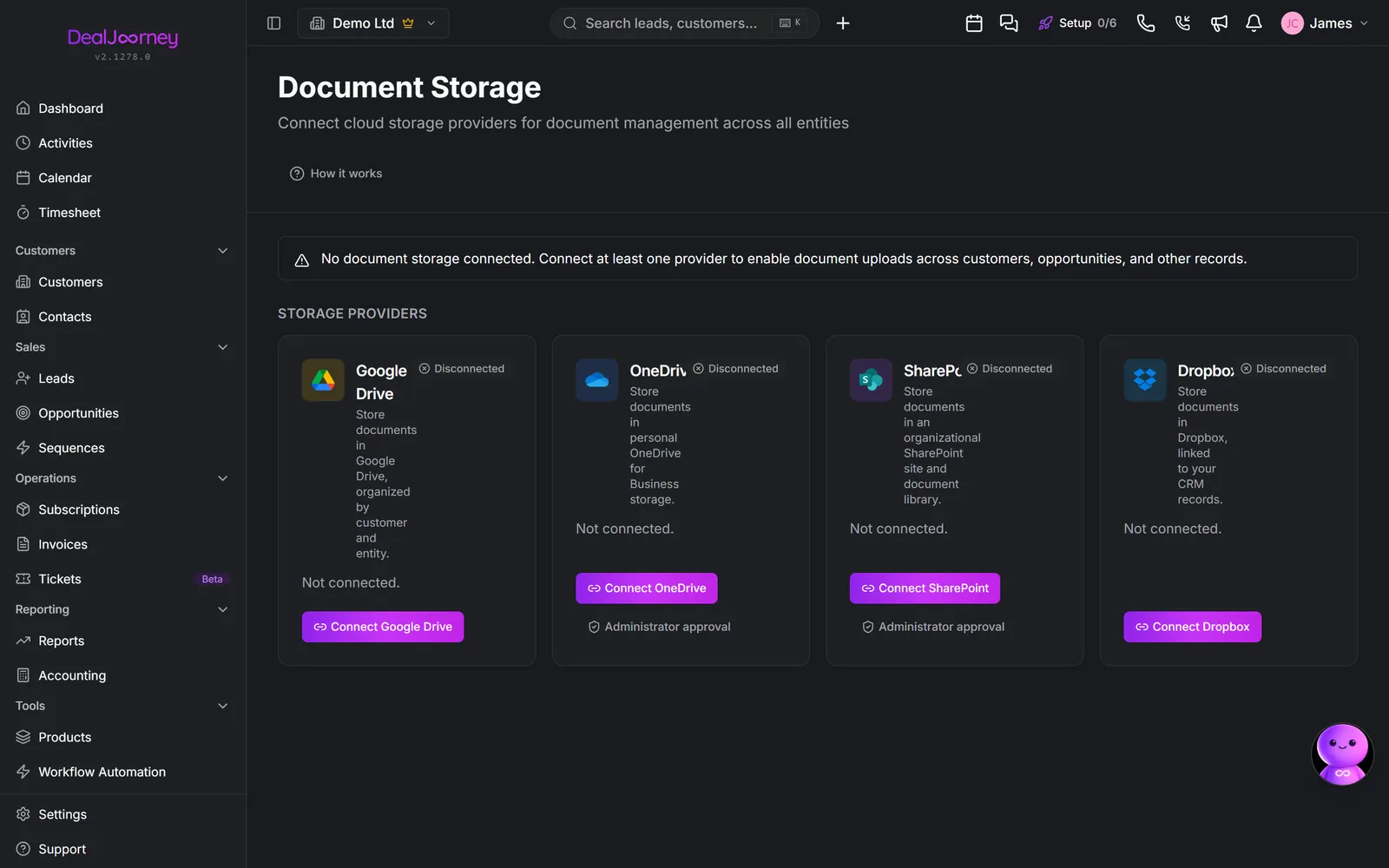
Files inside DealJourney. Selected workspaces can keep files directly on records without connecting a separate storage service. See Keep files in DealJourney for uploads, previews and restoring files.
Connecting your own storage. DealJourney can connect to the shared drive you already use, so a record's documents are a real folder your team can also reach from Explorer or the web. Nothing is duplicated and nothing is trapped in the CRM. For Dropbox, see Connect Dropbox.
Each record can have its own folder. Files put there show on that record, which is what makes them findable by the next person rather than by whoever filed them. See "Record folders".
Dealy can read connected storage, if you let it. With document access switched on, the assistant can search and read the files in a record's own folder to answer questions about terms, pricing or history. It is off by default and an administrator turns it on.
If Dealy says document access is switched off, that means the capability exists and has not been enabled, not that it cannot be done.
Scope is deliberately narrow. Even when enabled, the assistant only sees the folder attached to the record being asked about, never the rest of the company drive. That is by design rather than a limitation to work around.
I dette afsnit
Connect SharePoint
Connect SharePoint once for the whole company, without widening anyone's file access
Connect Dropbox
Keep CRM documents in your Dropbox and make new uploads go there
Record folders
Bind a record to its own folder so the right files appear on the right customer
Standard folders
Set the folders your documents are filed in, and choose which records each one appears on
Keep files in DealJourney
Upload and organise files directly on records, without connecting a separate storage service