Finding records
There are three different ways to find records in DealJourney, and picking the right one is most of the difficulty:
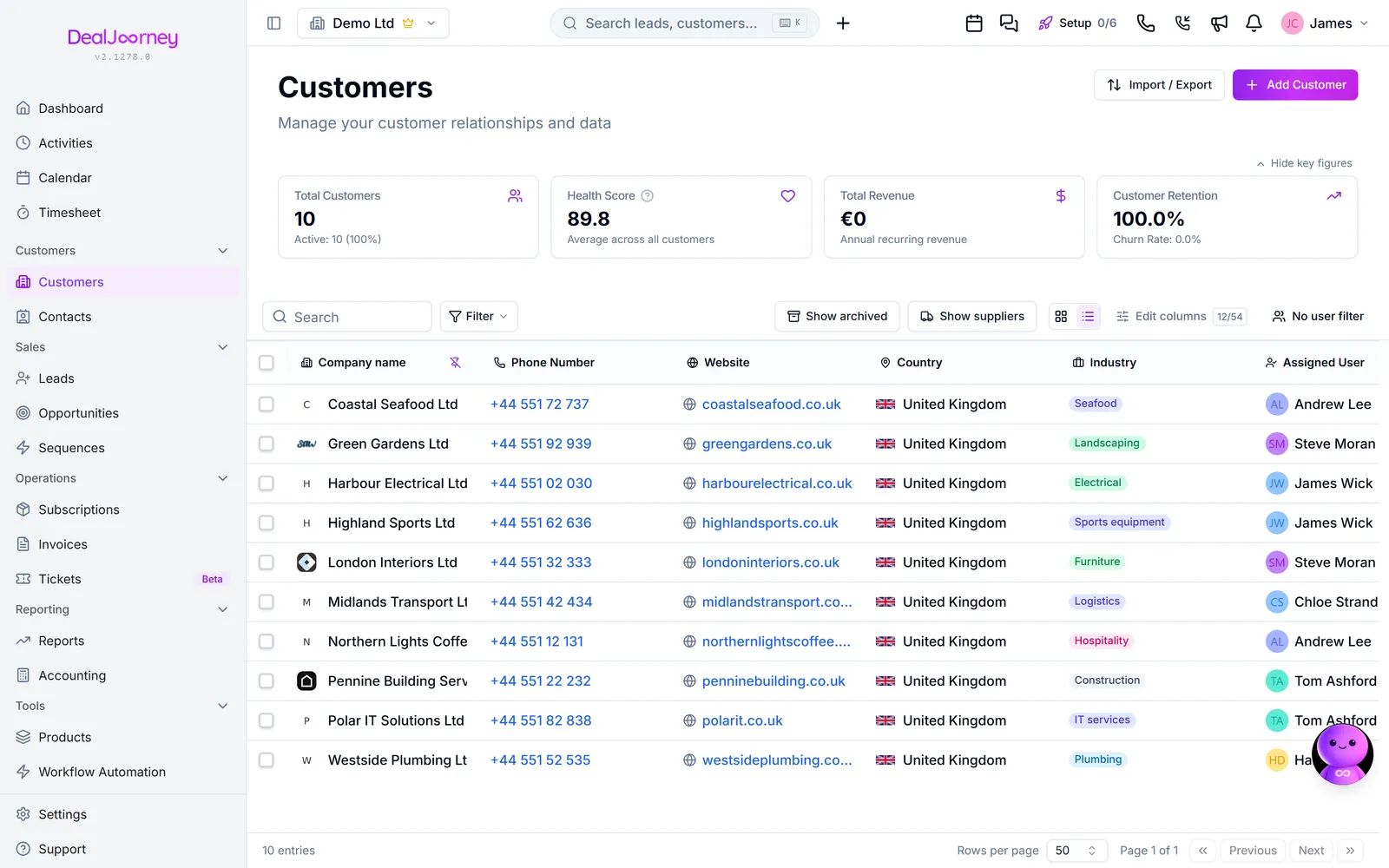
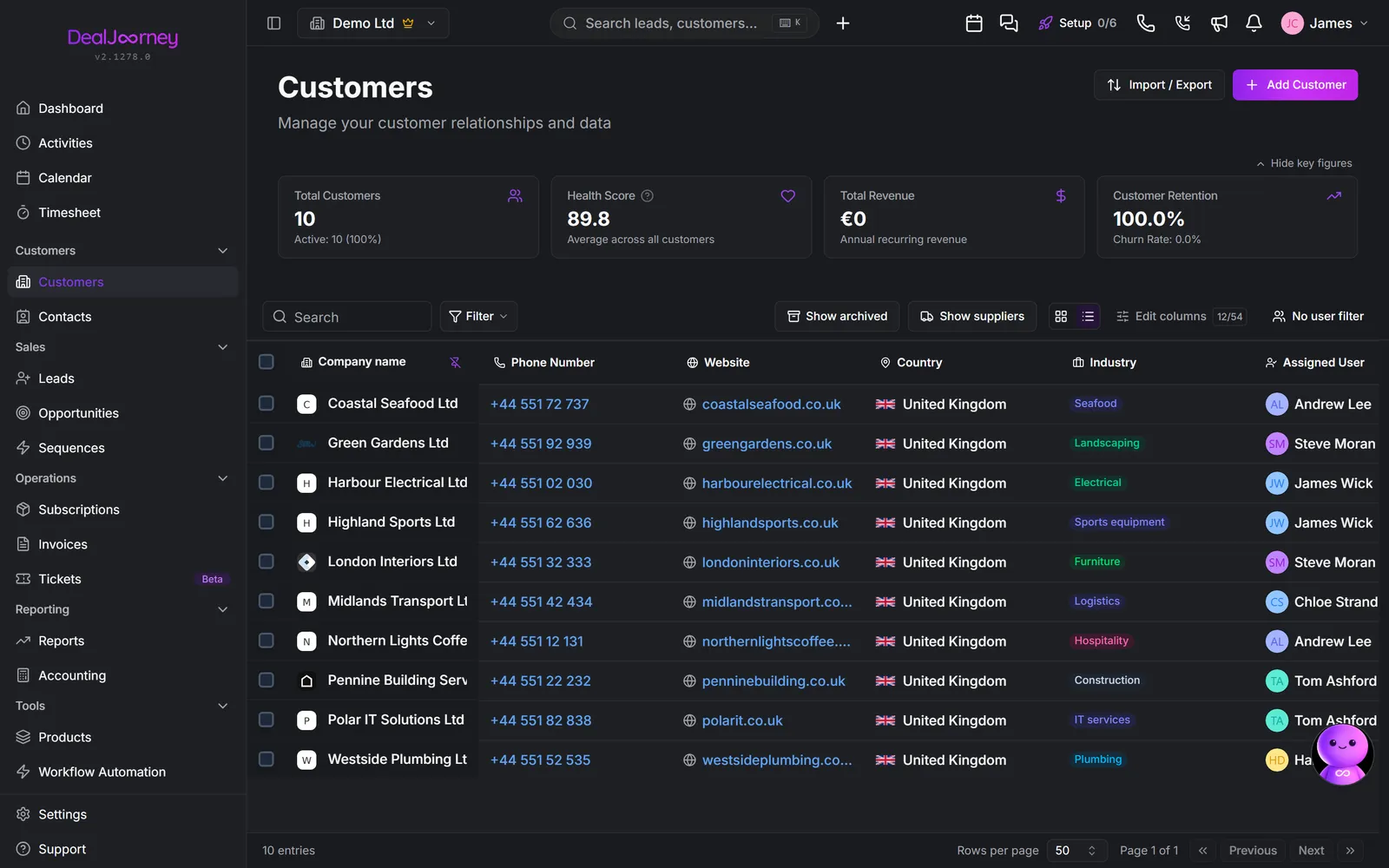
- Global search: you know roughly which record you want and just need to jump to it. Type a name, get the record.
- Filters on a list page: you want *every* record matching a rule, every opportunity on one project, every customer in a postcode range, every lead from one campaign that nobody has called. Search cannot answer these; filters can.
- Saved views: a filter you set up once and reuse, optionally shared with the team.
The distinction that trips people up is search versus filter. Search matches text in a record's name and looks for the best few matches, so it is for getting somewhere. It is not a way to count things, and it does not promise to show you everything that matches. If the question is "how many" or "all of them", you want a filter or a report, not the search box.
Filters can use any field on the record, including the custom fields your own company has added. That matters, because the fields you care about most (a project number, a region, an account manager's own categories) are usually custom ones, and they are exactly what search does not look at.
Every list page in DealJourney works the same way here: the same filter panel, the same saved views, the same column customisation. Learn it once on customers and it works on opportunities, contacts, leads, and activities.
I dette afsnit
Search across everything
Find anything from one box at the top of the app, across every record type
Get back to the record you were just on
An optional Recent button in the menu opens the records you looked at last
Filter a list
Get every record matching a rule, rather than the best few matches search would give you
Filter by what changed
Count what moved to a value in a period, without adding a date field people have to remember to fill in
Filter by related records
Find customers, contacts, leads and deals by how many emails, deals, tickets, subscriptions or activities they have, or when they last had activity
Save and share a view
Set a filter up once, reuse it every week, and share it with your team
Choose columns and sort a list
Decide which columns a list shows, in what order, and what it sorts by
Choose columns on a list inside a record
The lists on a customer card or a sale have the same column picker, search and filters as a full list page, and each one remembers your layout
Act on many records at once
Select rows in a list and do the same thing to all of them
Export a list to Excel or CSV
Choose the columns, save the choice, and get the file
Show only your records, your team's, or everyone's
The people filter that sits on every list, and why a list sometimes looks empty
Almindelige spørgsmål
- How do I search?
- How do I get back to the company I was just on?
- How do I list everything matching a rule?
- How many moved to finished last month?
- Customers we have emailed more than 20 times
- Where do saved views appear?
- Does a saved view remember its sort?
- Can I change the columns on the tickets tab?
- Do the same thing to many customers?
- Save a report as a spreadsheet
- Why can't I see my colleague's deals?