Invoices
Invoices in DealJourney are the billing side of the relationship: what a customer has been charged, what they have paid, and what is outstanding. They live under Fakturaer in the sidebar.
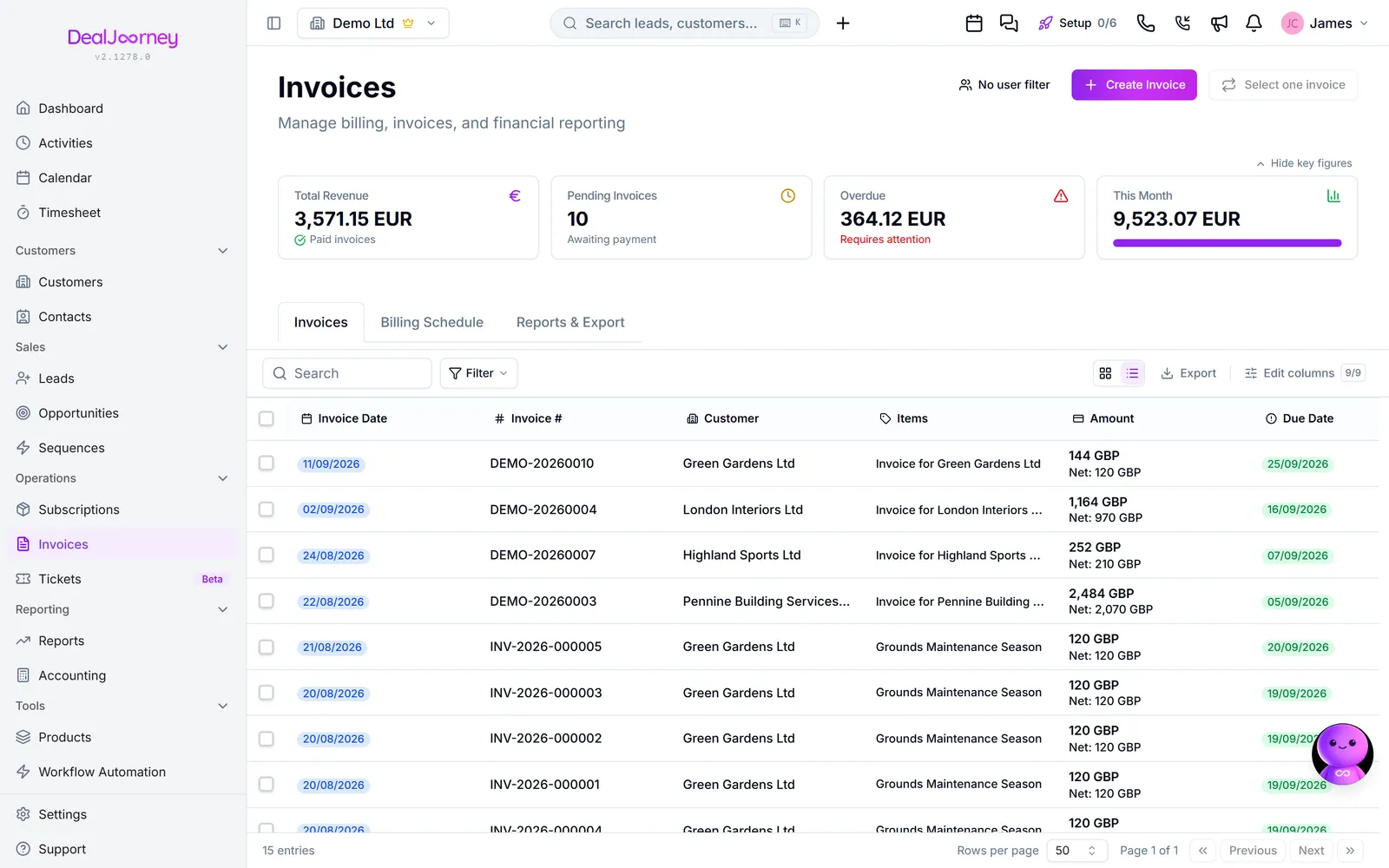
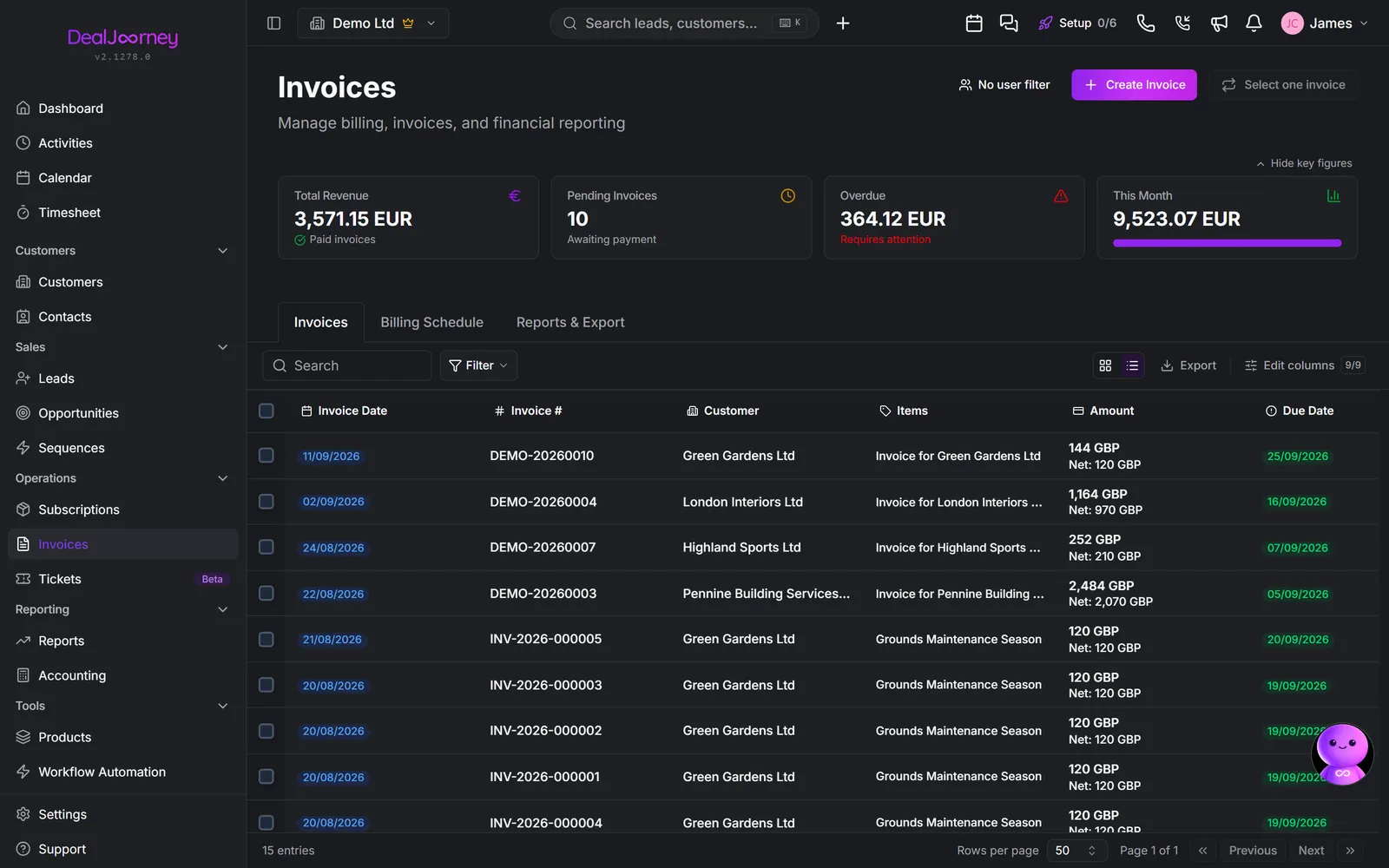
An invoice moves through statuses: Utkast while it is being prepared, Sendt once it has gone to the customer, Betalt when settled, and Forfalt when the due date has passed without payment. Faktura har passert forfallsdato
A draft does not become overdue just because its proposed due date has passed. Sending a draft to an accounting system for review still leaves it a draft until that system confirms it is issued. The Overdue total shows the amount still unpaid: an invoice for 3,000 with 2,000 paid contributes 1,000.
DealJourney is not your accounting system. Where an accounting integration is connected, the accounting system stays the authority on what was invoiced and what was paid, and DealJourney reflects it. This has two practical consequences worth knowing before you go looking for a button:
- Some invoices are read-only here because they are owned over there. Skrivebeskyttet (betalt/kansellert)
- Some actions finish in the accounting system rather than in DealJourney. Fakturautkast opprettet i Fiken, venter på bekreftelse: the draft is created for you, and it is confirmed and sent from the accounting side.
Why invoices are in the CRM at all. Because who owes you money is part of knowing your customer. An account manager walking into a renewal conversation should know there are two overdue invoices, and that is not something the accounting system will tell them.
Older e-conomic drafts imported before booked-only syncing are excluded from invoice lists, customer invoice summaries, reports and their totals. Your own DealJourney drafts remain visible for review, without counting as unpaid debt. The stored imported rows remain available to integration diagnostics.
I denne delen
Create an invoice
Raise an invoice from a deal, a subscription, or from nothing
Send an invoice and record payment
Get an invoice to the customer and record the money when it arrives
Find invoices and see what is outstanding
Filter to what is unpaid and overdue, and get your chase list in one click
The Billing Schedule tab
What is about to be invoiced, and how to raise one early
The Reports & Export tab
Get invoice data out, and what the shortcuts on this tab do