Tickets (support inbox)
The support inbox (Henvendelser) is where customer support requests land and get worked. A ticket is a single support conversation, usually started by a customer email or the support widget, that your team tracks from open through to resolved.
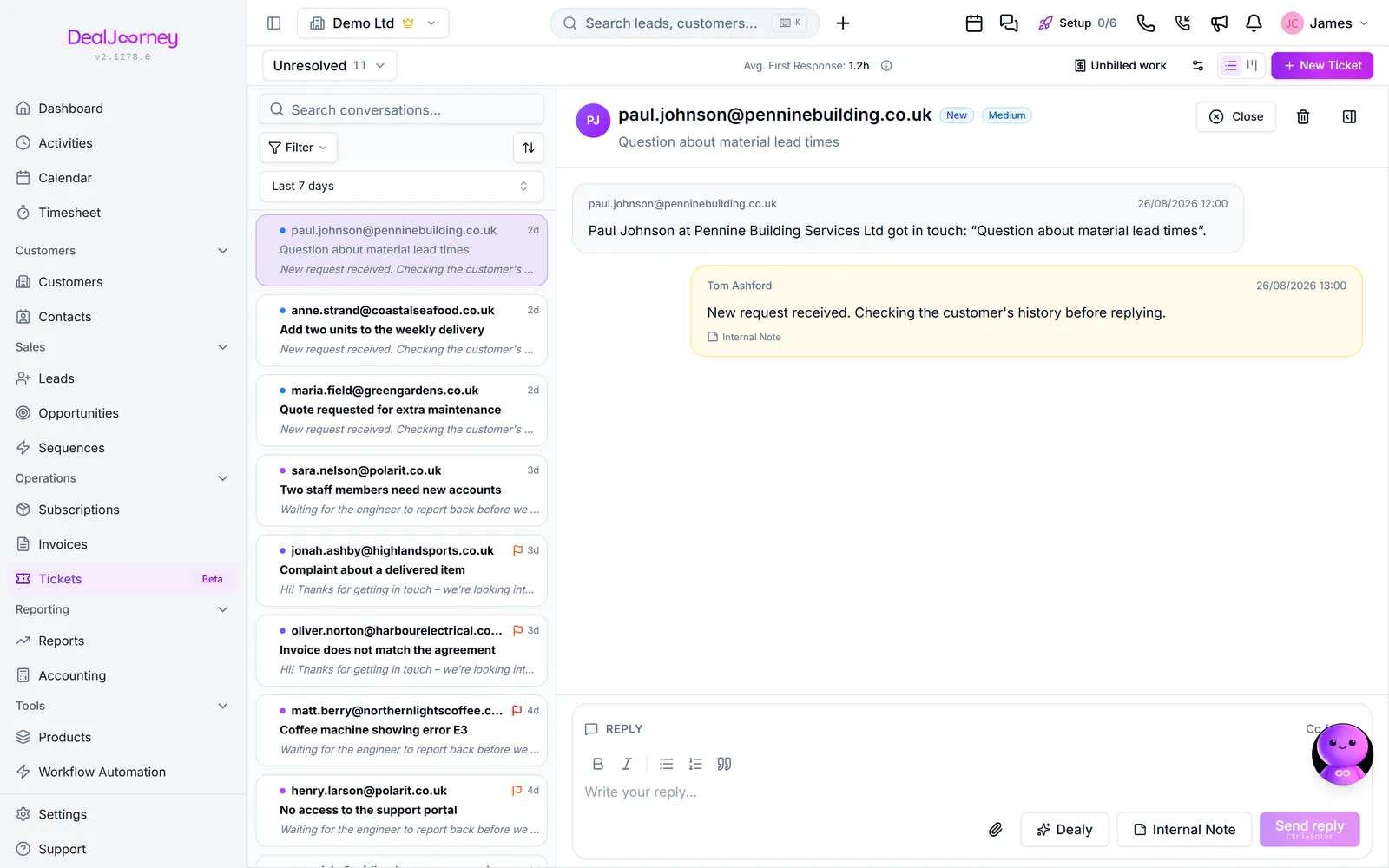
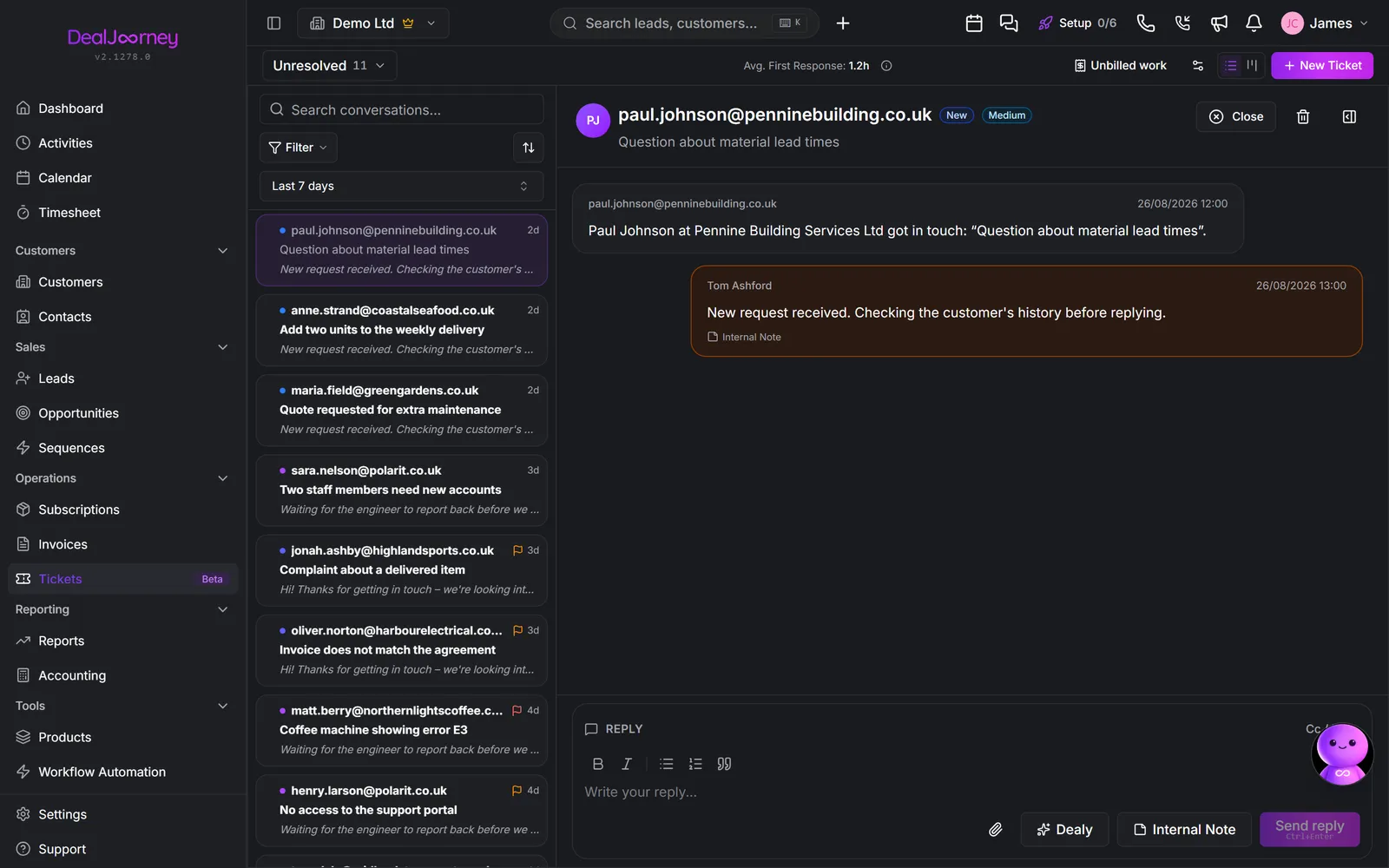
The page has three parts: the list of tickets on the left, the selected conversation in the middle, and the ticket's details on the right. Emails to your connected support address become tickets automatically; you can also create one by hand.
Every ticket carries:
- a status that tracks where it is (for example unresolved → closed),
- a priority so urgent issues stand out,
- an assignee: the team member responsible for it.
You reply to the customer directly from the ticket, and Dealy can draft a reply for you based on what it knows about your product and the customer. Because the whole back-and-forth stays in one place, anyone on the team can pick up where someone else left off.
Somebody who emails you for the first time becomes a real contact. If their address belongs to a company you do not already have, that company is created too, so the ticket has something to hang off instead of a loose name. It is filed as a prospect, not a customer: plenty of the people who email a support address are suppliers, payment providers or nobody at all, and they should not sit in your customer list looking like accounts that pay you. Recategorise one the day it becomes something else.
Freemail addresses (gmail, hotmail and the like) only ever make a contact — a personal address says nothing about which company somebody works for.
Tickets is in beta. It is in daily use and supported, but it is still growing features and the occasional rough edge is expected. Tell us when you hit one — beta is exactly when that feedback changes the product.
I denne delen
Create a ticket
Open a support ticket by hand when it did not arrive by email
Reply to a ticket
Answer a customer, and keep the whole exchange on the ticket
Assign a ticket and set its status and priority
Give a ticket an owner, a status and a priority so it stops being nobody's job
Merge two cases into one
Fold duplicate cases into the one you keep so the whole conversation is in one place
Search and filter the support inbox
Filter the inbox down to what is yours, what is waiting and what is overdue
Keep documents on a case
Put a file on the case itself rather than burying it in one reply, and send it out again later
Arrange the details panel on a support case
Reorder the cards and fields on a case, hide a field from the panel, and add a new field without leaving the case
Use Dealy to draft a ticket reply
Have Dealy write the first draft of a reply, then edit it before it goes
Set up the support desk
Inboxes, statuses, routing, SLA targets, business hours, signatures and canned replies
Give your support emails a look of their own
Add a logo, headings and colour to auto-replies and saved replies, and drop in fields from the ticket, the contact and the company
Put enquiry forms on your website
One or more forms on your own website, each with its own questions, look and code, whose enquiries land as cases
Turn calls to your support number into cases
Missed and answered calls on a Telavox support line open a support case by themselves, and the ones nobody recognises wait on a list for you to place
Vanlige spørsmål
- How do I create a ticket?
- How do I reply to a ticket?
- How do I assign a ticket?
- How do I merge two support cases?
- How do I search tickets?
- Where did the attachment from that email go?
- Change the order of fields on a support case
- How do I get an AI draft for a ticket?
- Who gets new tickets by default
- What placeholders can I use in support emails?
- Hide the subject field on the contact form
- Create a case when nobody answers the phone