Projects
Projects are for the work you deliver after the deal is won, and for the people doing it. The area lives under Prosjekter in the sidebar.
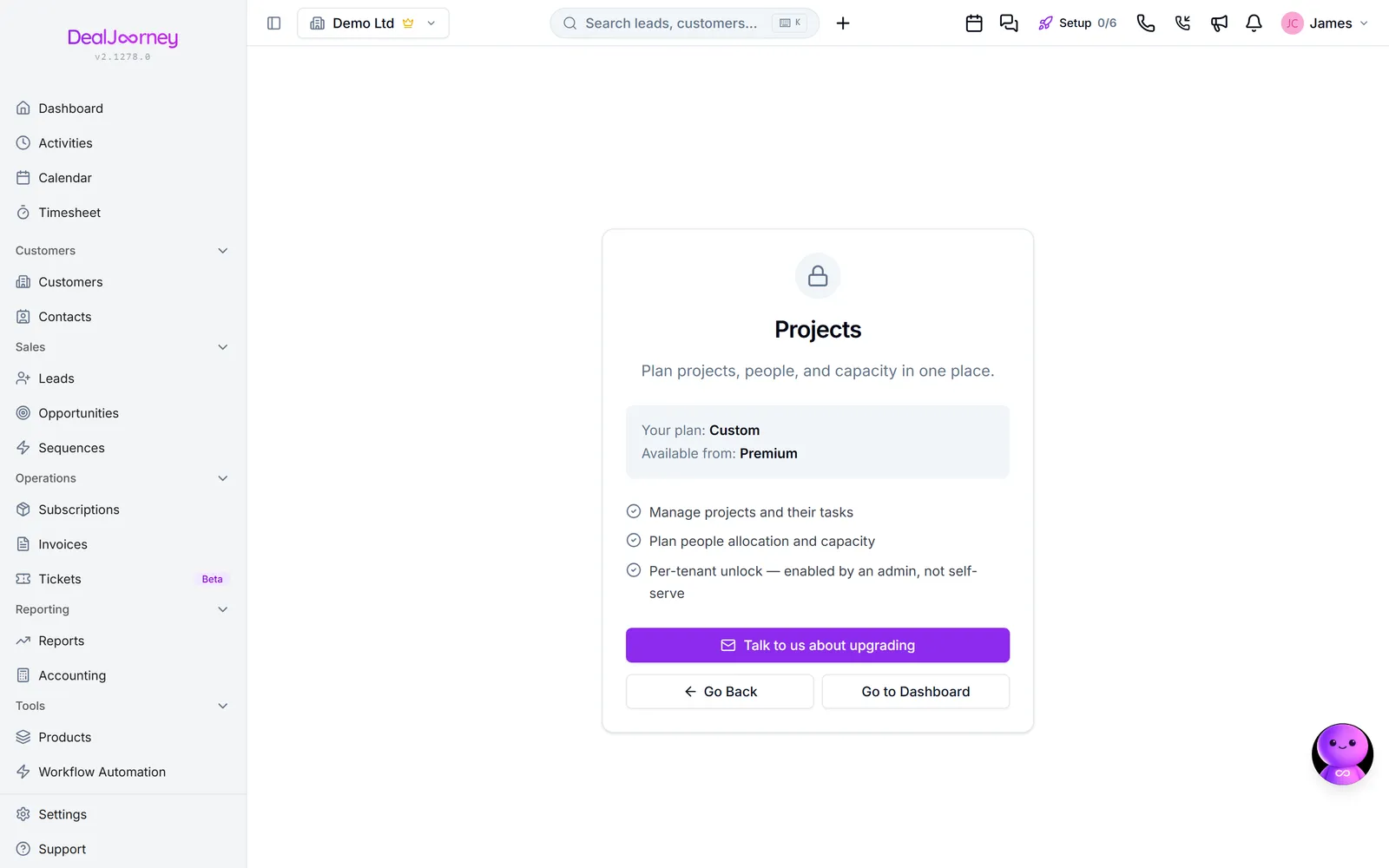
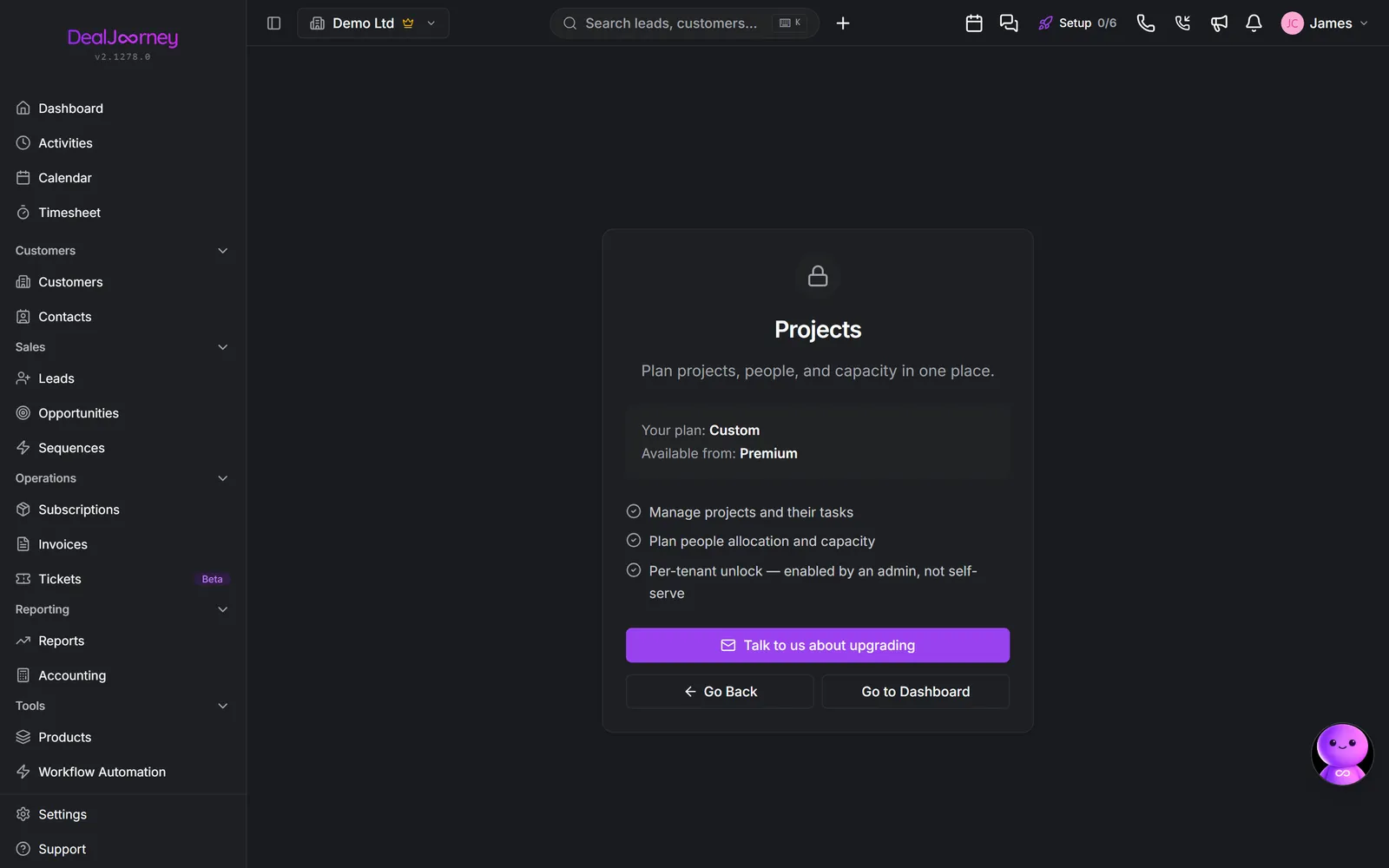
Project versus opportunity. An opportunity is the deal to win; a project is the work that follows. They answer different questions: one is about revenue that might arrive, the other about delivery capacity that is committed. Linking a project to the deal it came from is what lets you compare what you sold against what it took.
A project carries the things you need to know whether delivery is going well: Status, Start and Frist, Budsjett-timer against Brukte timer, Fremdrift and Helse.
Budget against spent is the number that matters. A project can be on schedule and still be losing money, and that only becomes visible if hours are recorded against it. A project nobody logs time to shows a healthy budget forever.
The people side. The module also plans capacity: who is allocated to what and when, so you can see who is over-committed before they tell you. That is the difference between a project tracker and a resource planner, and it is why the two live together here.
Projects can also be linked to company goals, so it is answerable which work is actually driving a stated objective: Publiserte mål og prosjektene som driver dem.
Projects is in beta. It is in daily use and supported, and it is safe to run a department's real work through. It is still growing features, so expect the occasional rough edge and tell us when you hit one. Beta is exactly when that feedback still changes the product.
The tab strip runs Prosjekter, Personer, Oppgaver, Kapasitet, Fravær, Mål and the timesheet. Projects is the list of work; the rest are ways of looking at who does it and when.
I denne delen
Create a project
Set a project up with the budget and dates that make it measurable
Reuse project plans with templates
Build a reusable set of task groups, tasks and subtasks, then use it in new or existing projects
Work with project tasks
Break a project into pieces on a board that matches how your team works
Set the hours sold on a project and watch them count down
Put the agreed number of hours on a project and see the timesheet eat into it
Milestones on a project
Put dated checkpoints on a project and see them on its timeline
Keep a project's emails on the project
Read, write and attach email on a project the same way you do on a customer or a deal
Plan people across projects
See who is free and who is buried, before you promise the next deadline
Plan who is working on what
Allocate people across projects on a timeline, and see the overload before it happens
Give a client a view of their project
One project, no account, and you choose exactly what they see
The People tab
Who you have, what they can do, and who is free right now
The Absence tab
Holiday, sickness and time off on one calendar, with the work it clashes with and who could cover
The Goals tab
Link projects to the objectives they exist to move
The deals behind a project
Connect the sales a project delivers, from the project itself
Filter projects and save views
Show only the projects you care about on the board, list or timeline, and keep that filter as a tab
Invoice a project, in parts or by the hour, and see what it earned
Bill a project's hours and agreed price from the project, in part payments if you like, and see its costs and margin
Vanlige spørsmål
- How do I delete or archive a project?
- Reuse task groups in another project
- Move a task between columns
- How many hours are left on this project?
- Why does my milestone not show on the timeline?
- Where are the project emails?
- Is someone over-allocated?
- Is my team overbooked?
- Share a project with a customer
- Find someone who can do X
- Absence type does not match PowerOffice
- Which projects drive this objective
- Remove an opportunity from a project
- Filter projects by PowerOffice department
- How much did this project cost?