Finding new companies
Prospect Finder searches a company register from inside DealJourney, so building a target list does not mean leaving the CRM, pasting into a spreadsheet, and importing it later.
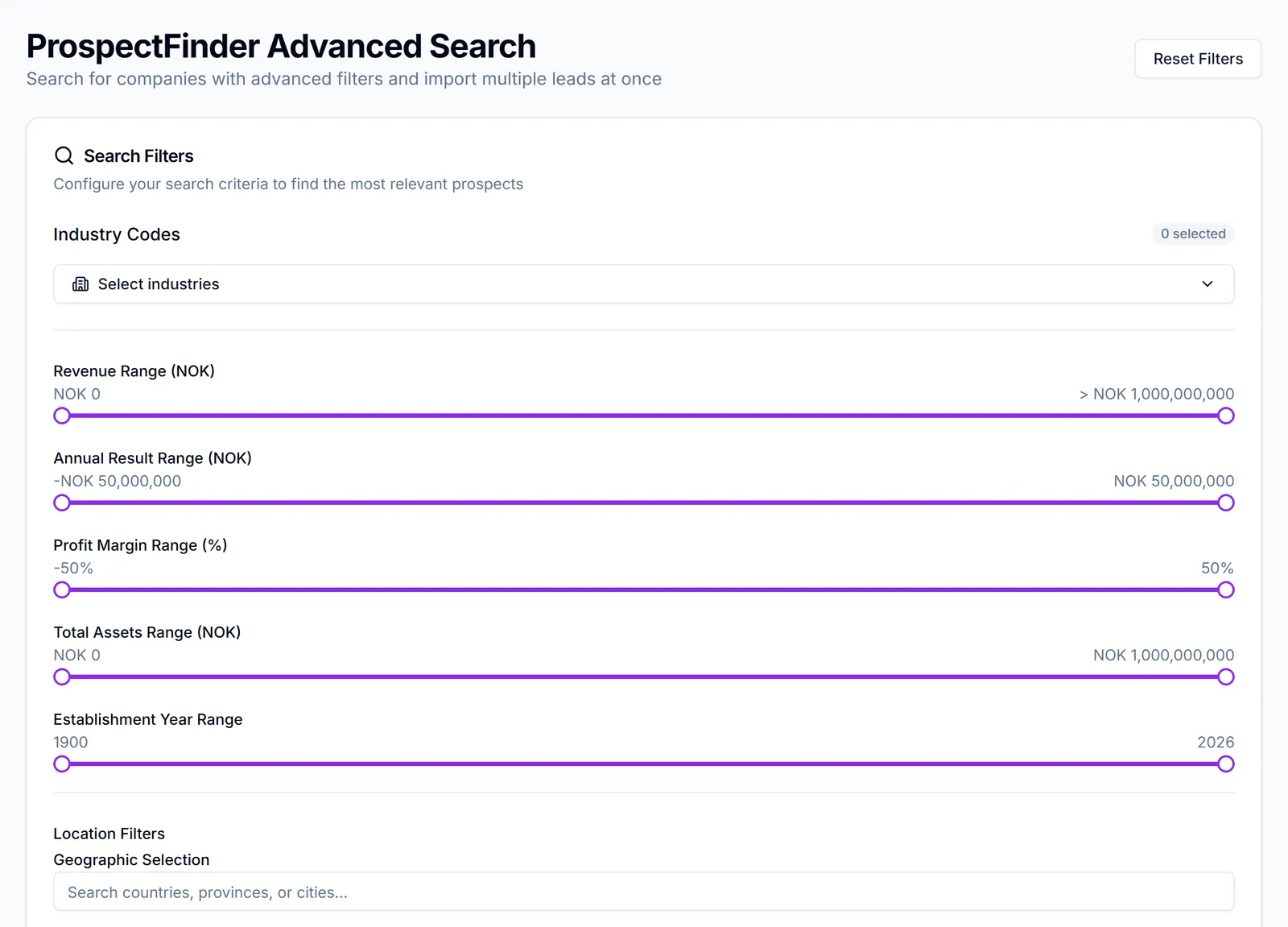
What it gives you is the company's registry data — Omsetning, kredittvurdering og mer — and, on the premium tier, Finn og importer kontaktinformasjon automatisk
Two ways in:
- Look up one company you already have in mind, with Finn med Prospect Finder where it appears in the CRM.
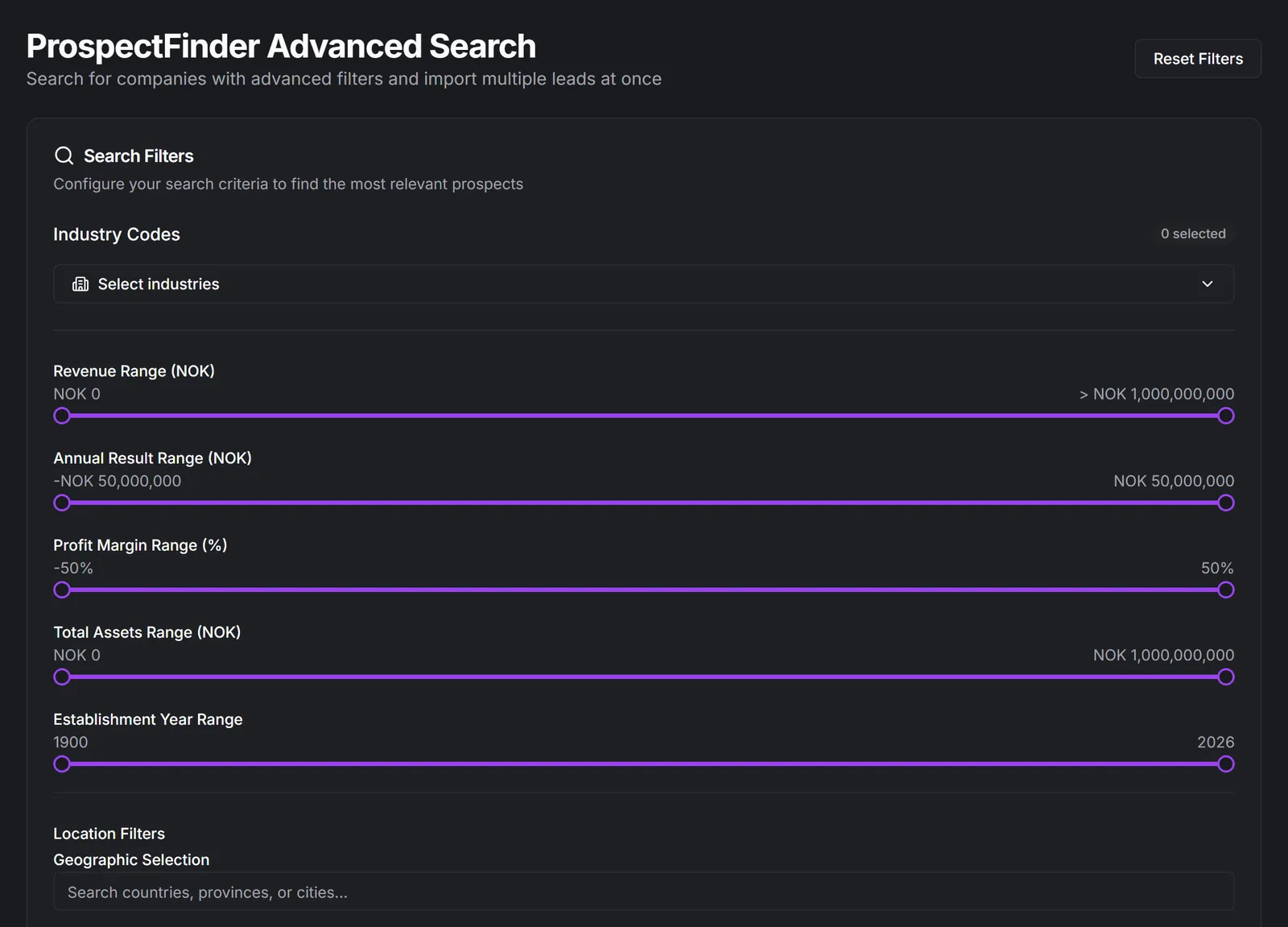
- Prospect Finder avansert søk — Søk etter bedrifter med avanserte filtre og importer flere leads på én gang See Search for companies.
What arrives in the CRM. Companies and their contacts come in as leads, ready to be worked and converted like any other: Leads and Qualify and convert a lead.
Premium-funksjon kreves for the heavier features — Premiumfunksjoner: Avansert filtrering, Identifisering av kontaktpersoner and Detaljert selskapsinformasjon. Vi går gjennom forespørselen din og aktiverer Premium så snart kreditter er på plass.
Registry data is not permission to contact people. A phone number in a company register is fine for a business call; an individual's email address is subject to the same consent rules as anything else, and importing a thousand of them into a marketing audience is exactly what those rules exist to prevent. See Consent, unsubscribes and deliverability.
I denne delen
Search for companies
Filter a register by size, industry, location and finances until the list is worth working
Import companies and contacts as leads
Bring them in one at a time or in bulk, without creating duplicates
Find companies like one of your customers
Turn a customer you already have into a search for more of the same
Clean customer data against the company register
Check a selection of customers against the public register and see exactly what has gone out of date