Notifications
Varsler are how the app tells you that something happened to your work while you were looking at something else: a deal you own moved, a ticket landed on you, someone mentioned you.
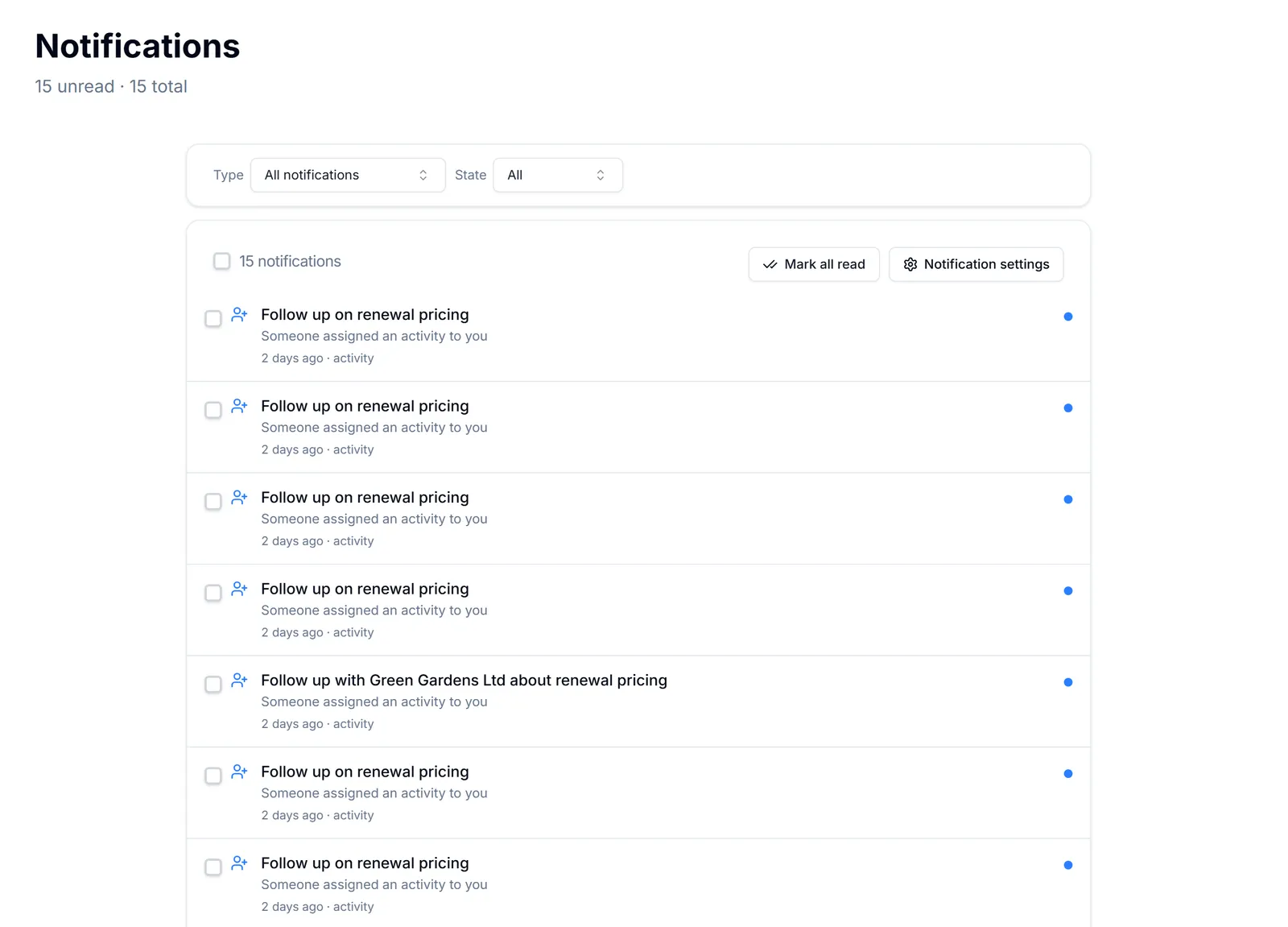
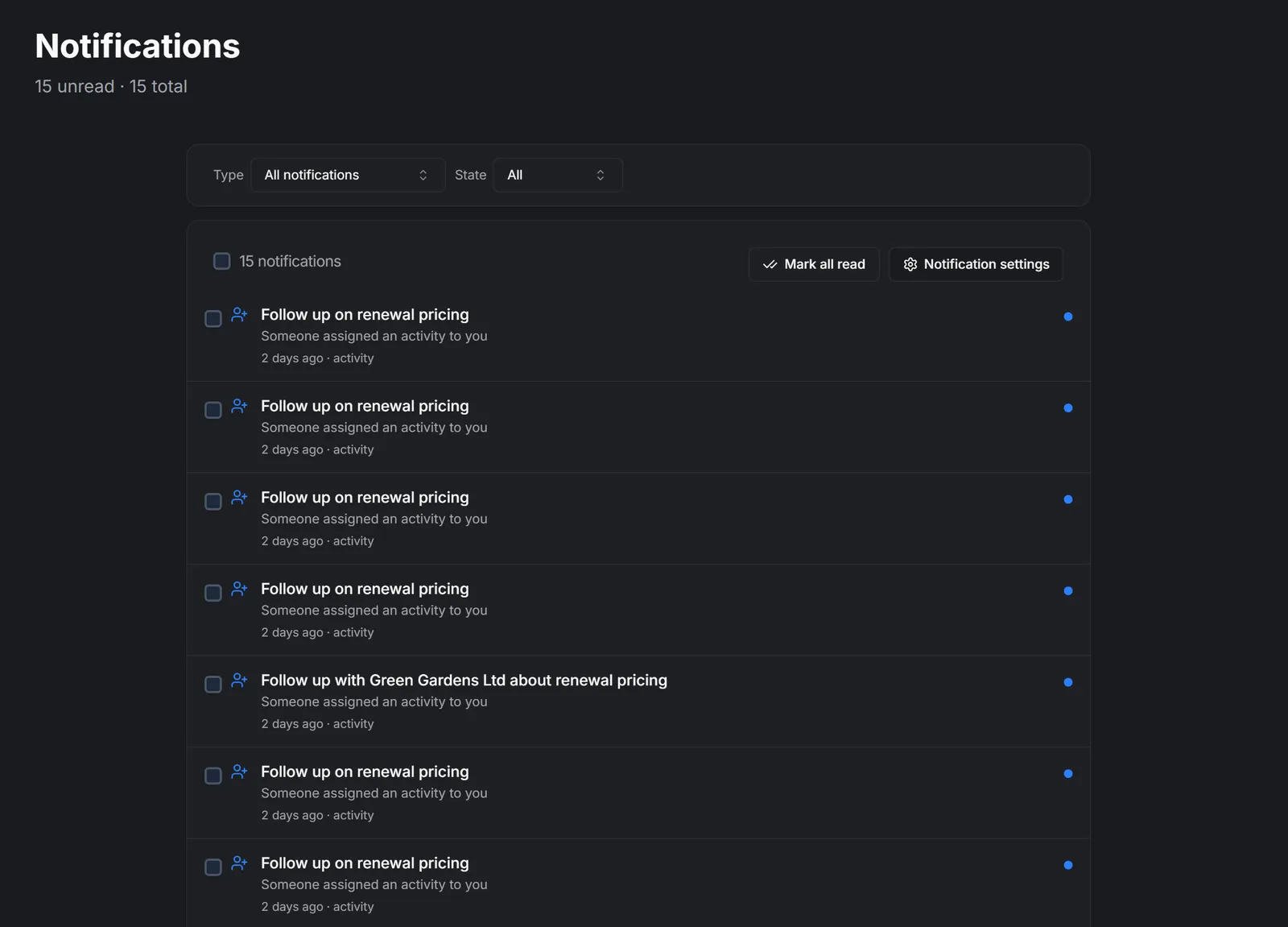
There are two places they show up.
The bell in the top bar is the quick glance. It carries an unread count, lists the most recent notifications, and clicking one takes you straight to the record it is about.
The full history page is the archive. Every notification you have ever been sent, filterable by what it is about and by whether you have read it, with bulk actions for clearing them out. Use it when you know something came in last week and the bell has long since moved on.
A notification is not a task. It is a record that something happened — clearing it does not do the work. Things you actually have to do live in activities and tasks: Activities and Tasks.
You decide what generates one. Every event has three separate switches — in-app, email and SMS — and they are per person, so a quiet inbox is a setting away rather than something to put up with. See Choose which notifications you get.
Team chat is separate. Mentions and replies in chat have their own activity view inside team chat, though they can also raise a notification here: Mentions, your activity queue, and search
I denne delen
Read, clear and find old notifications
Work through the bell, then use the history page for anything older
What actually sends you a notification
The events the app can tell you about, and why ownership decides who hears
You are not getting notifications
The handful of reasons a notification never reaches you, in the order worth checking