Customer ticket portal
The portal gives your customers one page — Dine henvendelser — listing the support requests they have raised with you, with the ability to reply in place.
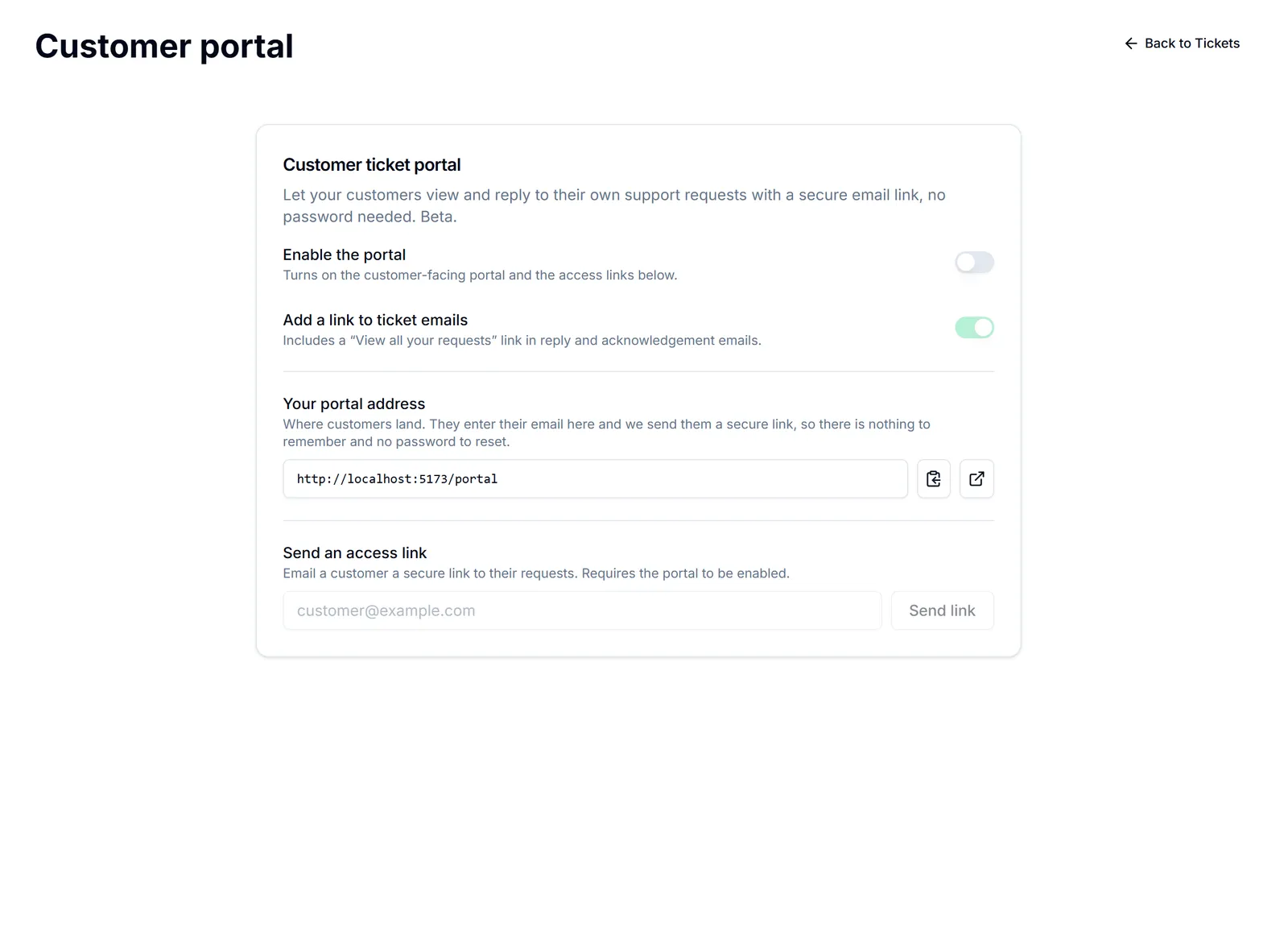
No account, no password. Skriv inn e-postadressen din, så sender vi deg en sikker lenke der du kan se og svare på henvendelsene dine. Ingen passord å huske. They enter their email address, get a secure link, and are in. That is deliberate: asking a customer to create an account to ask you a question is how a support portal ends up unused.
They see only their own requests, matched to their email address. There is no way to browse anyone else's.
Why it is worth turning on. Most "any update on this?" emails exist because the customer has no way to check. A portal answers that without anybody in your team touching it, and it keeps the conversation in one thread rather than three forwarded emails.
It is the same tickets you already work. A reply in the portal appears on the ticket; your reply on the ticket appears in the portal. Nothing separate to monitor. Tickets (support inbox)
Portal versus website chatbot. The chatbot answers a visitor's question immediately and creates a ticket when it cannot: Website chatbot. The portal is for following requests that already exist. They work well together.
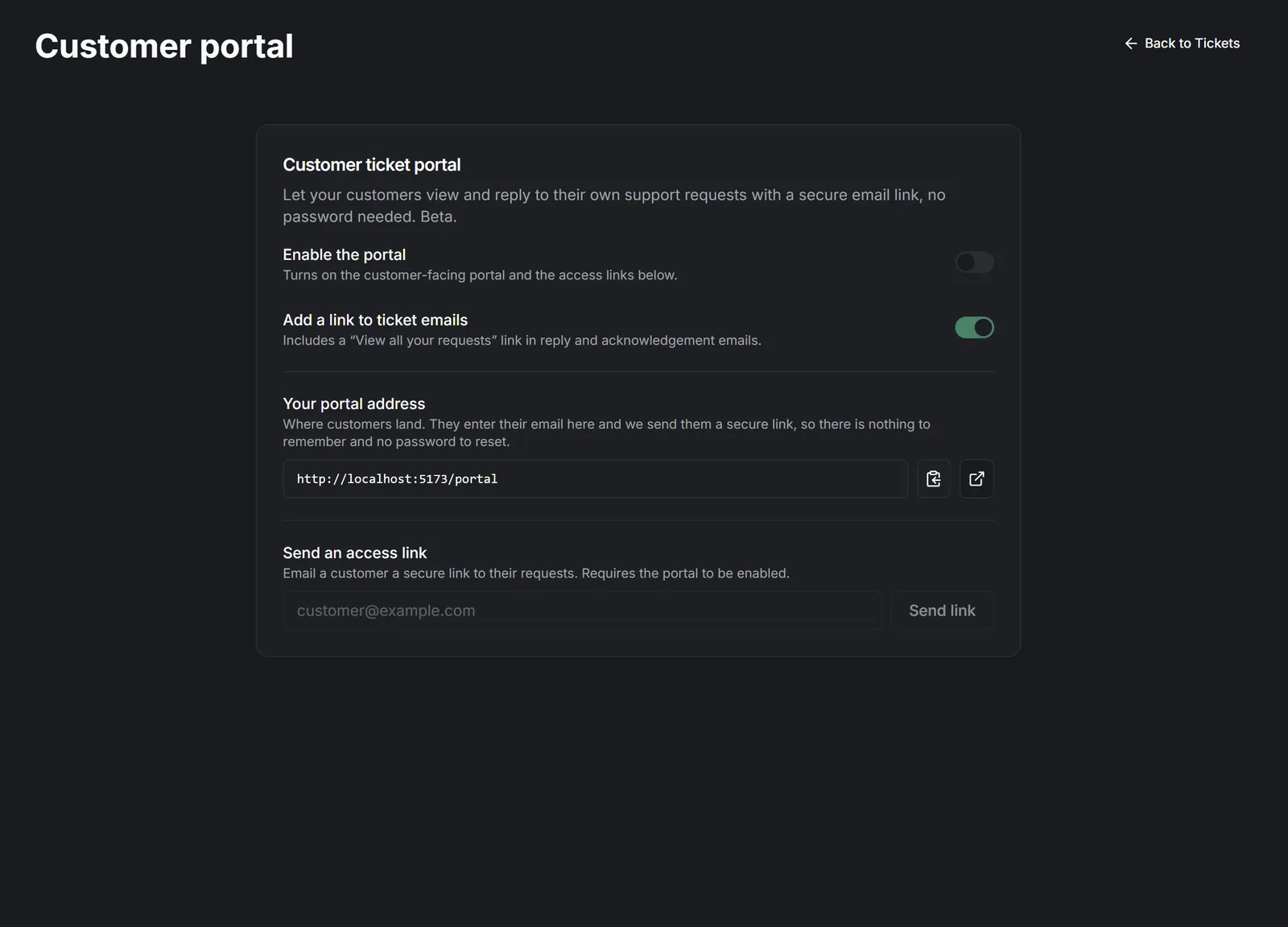
Setting it up is Turn on the customer portal.