Subscriptions
A subscription is one customer's ongoing agreement to pay for something on a repeating basis. Manage subscription plans and customer renewals from Subscriptions in the sidebar.
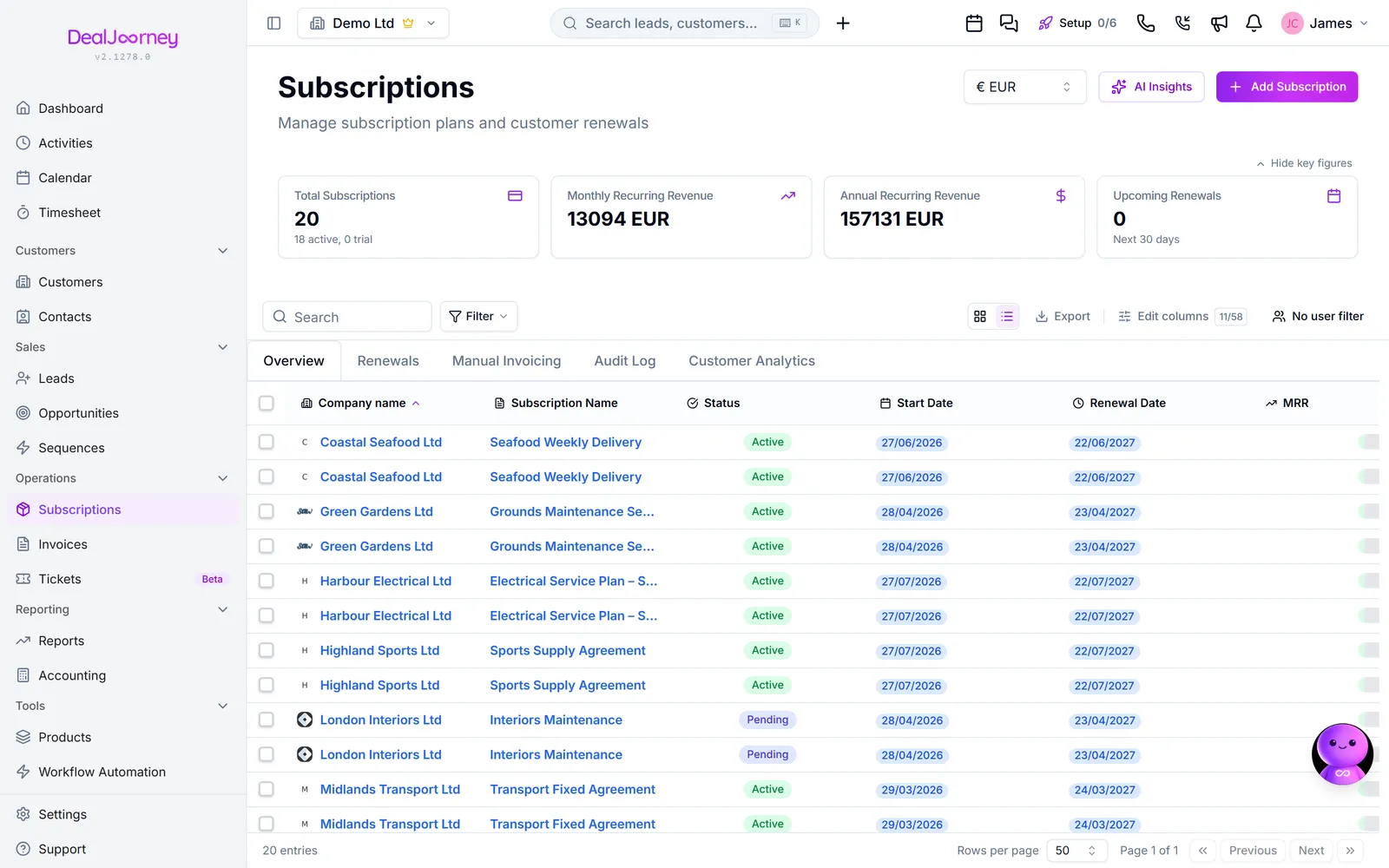
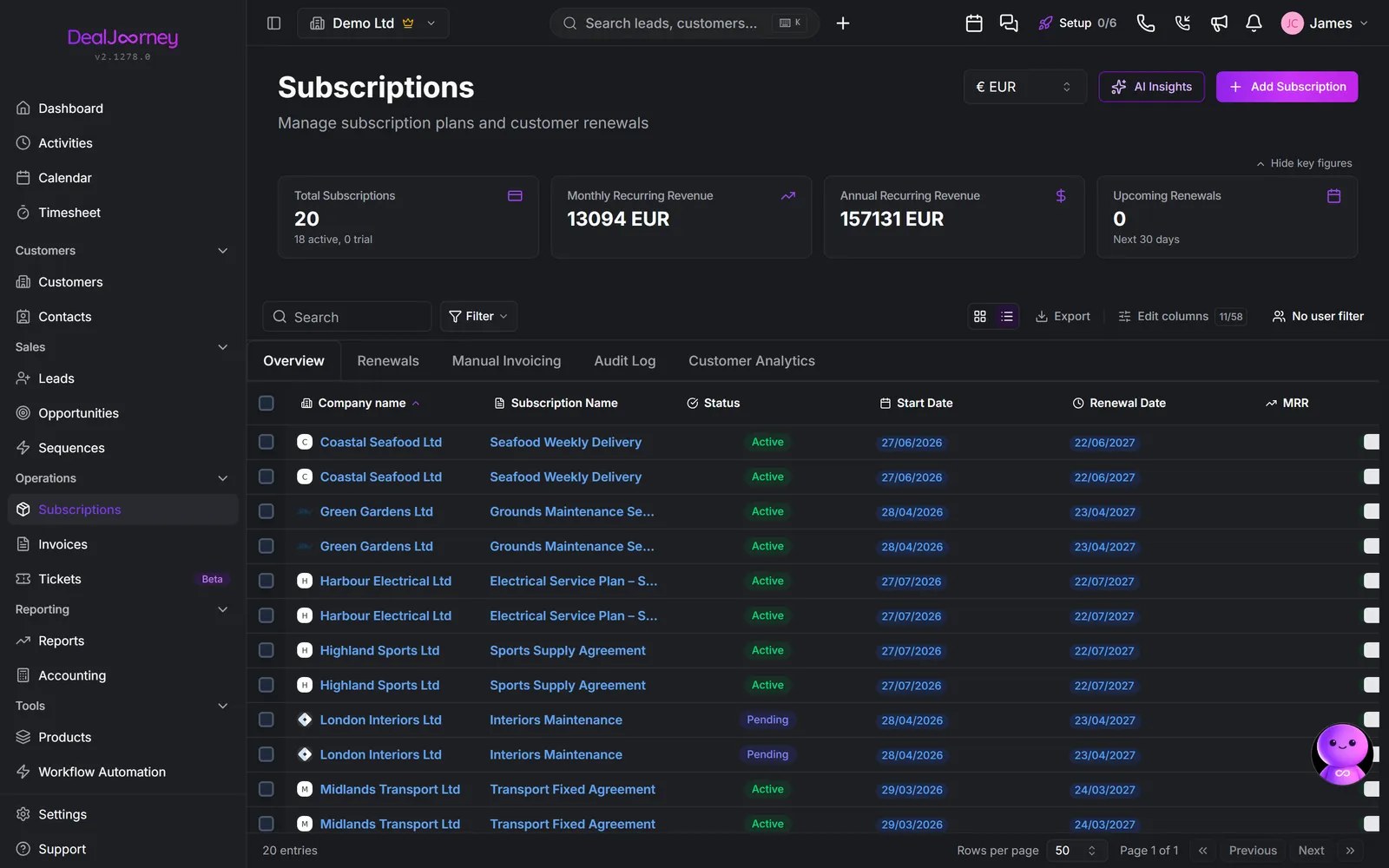
The subscription's invoice list shows the newest invoices first. Use Next and Previous to reach older invoices when there is more than one page. If loading fails, the page shows an error and lets you retry; it does not mean the subscription has no invoices.
Subscription versus product. A product is the thing you sell and lives in the catalogue. A subscription is a named customer paying for it, with their own start date, price and term. One recurring product supports many subscriptions.
Subscription versus opportunity. An opportunity is the deal to win. A subscription is what exists once it is won and the customer is being billed. Marking an opportunity as won is normally where a subscription starts.
Every subscription carries a status. Active means it is running and counting towards recurring revenue. Paused means billing is suspended but the agreement stands. Churned means the customer has left.
Churn is a real event, not an absence. A subscription that stops being billed without being marked churned quietly overstates your recurring revenue and never appears in churn analysis, so the number you use to judge the business stays wrong, in the flattering direction. Record the ending.
Renewals. Renewal Date is derived (Start Date + Agreement Period), and Auto Renewal decides what happens when it arrives. Keep billing after the initial agreement period. Without auto-renewal the agreement lapses at the end of its term, which is either what you intended or a silent loss.
Subscription metrics
Open Metrics beside the subscription list to analyse recurring agreements without leaving Subscriptions. The owner selection, list search, conditions and display currency at the top also apply here. An empty owner selection stays empty. Choose six, twelve or twenty-four months for the development charts. MRR is monthly recurring revenue; ARR remains annual revenue on its own chart.
Current MRR and ARR count subscriptions marked active, matching the list's headline figures. Amounts from different currencies are converted once using current exchange rates. If any required rate or amount is unavailable, the metrics show an error and a retry button, rather than a partial money total.
The charts show agreements running at each month end; the current month ends today. Agreements with a recorded end date remain in earlier periods. They use the agreement's currently recorded price, so they are not a reconstruction of historical price changes or historical exchange rates.
Scheduled projection shows the next six month ends using recorded start and end dates, including agreements awaiting activation. The projected headline is the sixth month. Unapproved agreements, assumed renewals and predicted new sales are excluded.
Ended subscriptions, subscription churn rate and new customers cover the current month so far. Churn rate divides recorded endings by subscriptions running at the beginning of the month; a missing starting population shows no rate. New customers count a customer's first recorded subscription start in your selected owner scope, rather than each extra subscription they buy.
Invoiced amounts and one-time fees also cover this month, exclude VAT and unissued drafts, and include issued credit amounts with their recorded sign. Only invoices linked to a subscription in your scope count. One-time fees use the invoice or line's recorded billing type. Observed lifetime value is all-time issued subscription revenue divided by the customers actually invoiced; it is an observed average, not a forecast of future customer value.
Under Custom, choose one of your saved subscription reports to see it here. Those reports retain their own dates, currency conditions and owner rules. Access to Reports is required. Open a report to fill in any values it asks for, or create and edit reports through Build a custom report.
In this section
Create a subscription
Start a recurring agreement, ideally straight from the deal that won it
Change, pause or end a subscription
Change what a customer pays, pause them, or end the agreement cleanly
Find subscriptions and renewals
Find what renews next month, what is at risk, and what has already lapsed
Automatic billing runs
Subscriptions invoice themselves on schedule — this is where you watch that it worked
The Renewals tab
What is coming up for renewal, what it is worth, and what needs you first
The Manual Invoicing tab
Subscriptions you have chosen to invoice by hand, and what that does and does not change
The Audit Log tab
Every change to a subscription, who made it and when
The Customer Analytics tab
Subscription revenue read by customer rather than by subscription