Calendar
The calendar shows time (meetings, events and dated work) in one place, under Kalender in the sidebar.
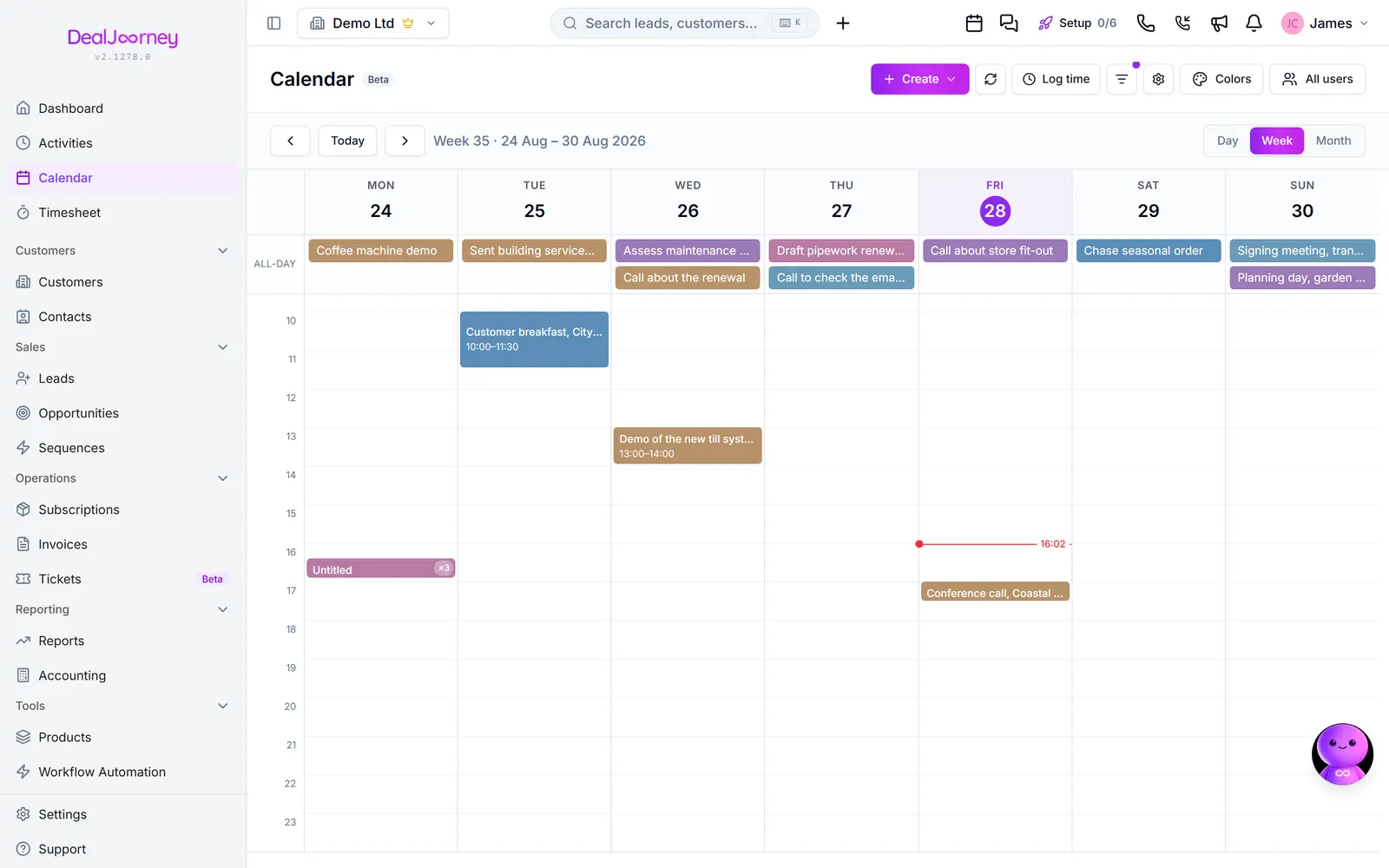
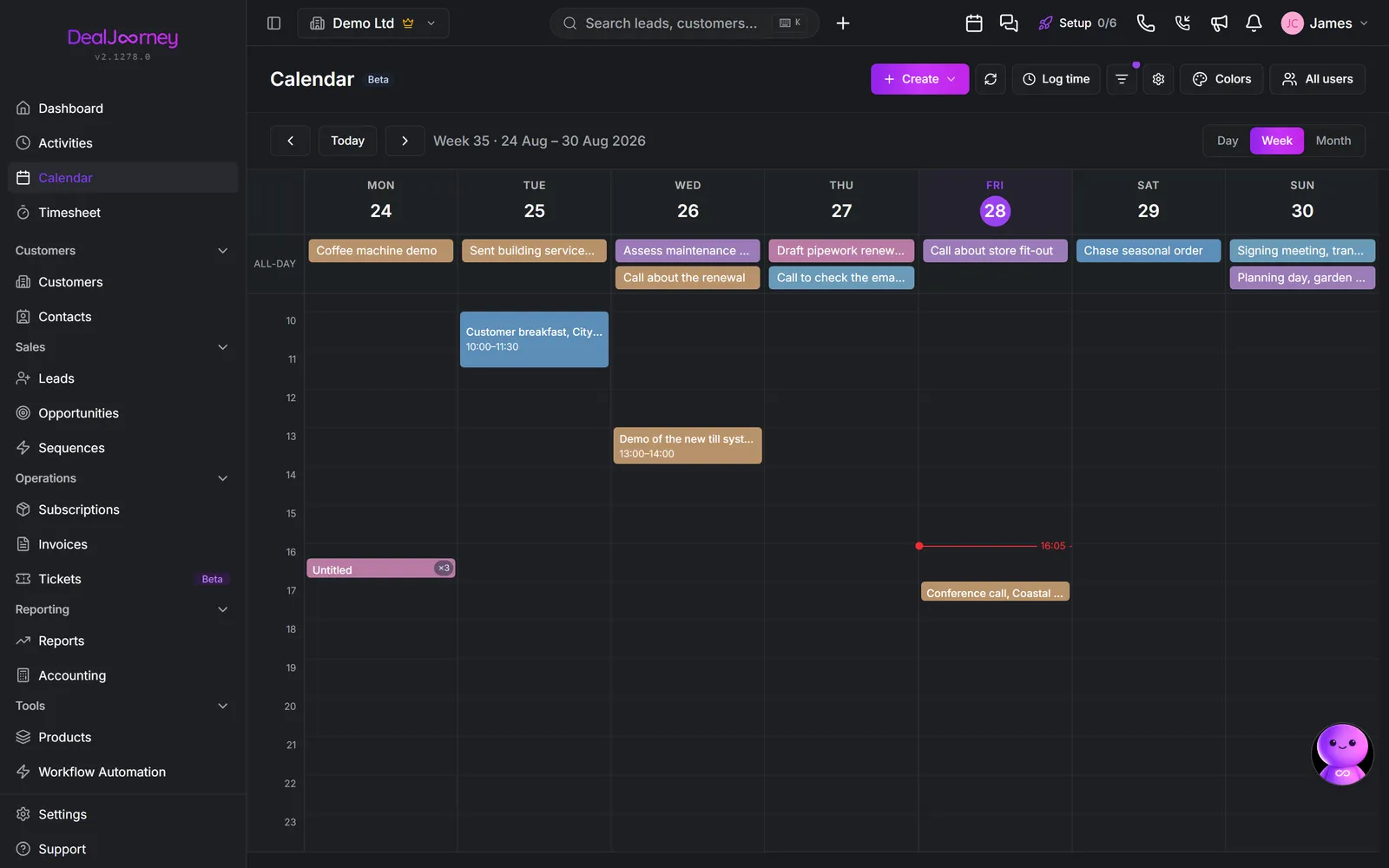
Calendar versus activities. An activity is a piece of work with a deadline; a calendar event is a slot in time, usually with other people in it. A task due Friday belongs in activities; a meeting at ten on Tuesday belongs in the calendar. Both can appear on the calendar view, which is what makes it a picture of your week rather than just your meetings.
You control what appears using the type filter (Vis på kalender), which switches Aktiviteter, Begivenheder, E-mails and the rest on and off. Standard puts it back.
Your colleagues' calendars. You can view other people's alongside your own (Alle brugere), which is how you find a slot that suits everybody without a round of emails. What you see of their events depends on privacy: see "Private meetings".
Events connect to the CRM. An event can be linked to the contacts it involves (Tilknyttede kontakter), so the meeting appears on those people's records. That is the difference between a calendar and a CRM calendar: six months later, the customer's record shows you met them.
It syncs with your real calendar. With Outlook or Google connected, events flow both ways, so you are not keeping two diaries. Ingen kalenderkonto tilsluttet. Tilslut Gmail eller Microsoft i Mail & kalender.
I dette afsnit
Create a calendar event
Book a meeting and attach it to the people and company it concerns
Move a meeting by dragging it
Drag a meeting to a new time or a new day, in any calendar view
Connect your calendar
Sync your real calendar so availability and meetings stay in one place
Invite people to a meeting
Invite colleagues and customers, and how the two behave differently
Private meetings
Keep a meeting's details to yourself while colleagues can still see you are busy
See the meetings on a customer, contact or activity
See when you next meet a customer, and every time you already have
Link a meeting to a customer, person, lead or deal
Attach a meeting that came in from Outlook or Google to the record it was really about
Track reporting deadlines and get reminded
Put the statutory filing dates for Norway, Sweden and Denmark on your calendar, add your own recurring dates, and have a task created automatically before each one