Document monitor
Document monitor watches external sources for documents that matter to you and surfaces the ones worth reading. It lives under Dokumentövervakning in the sidebar.
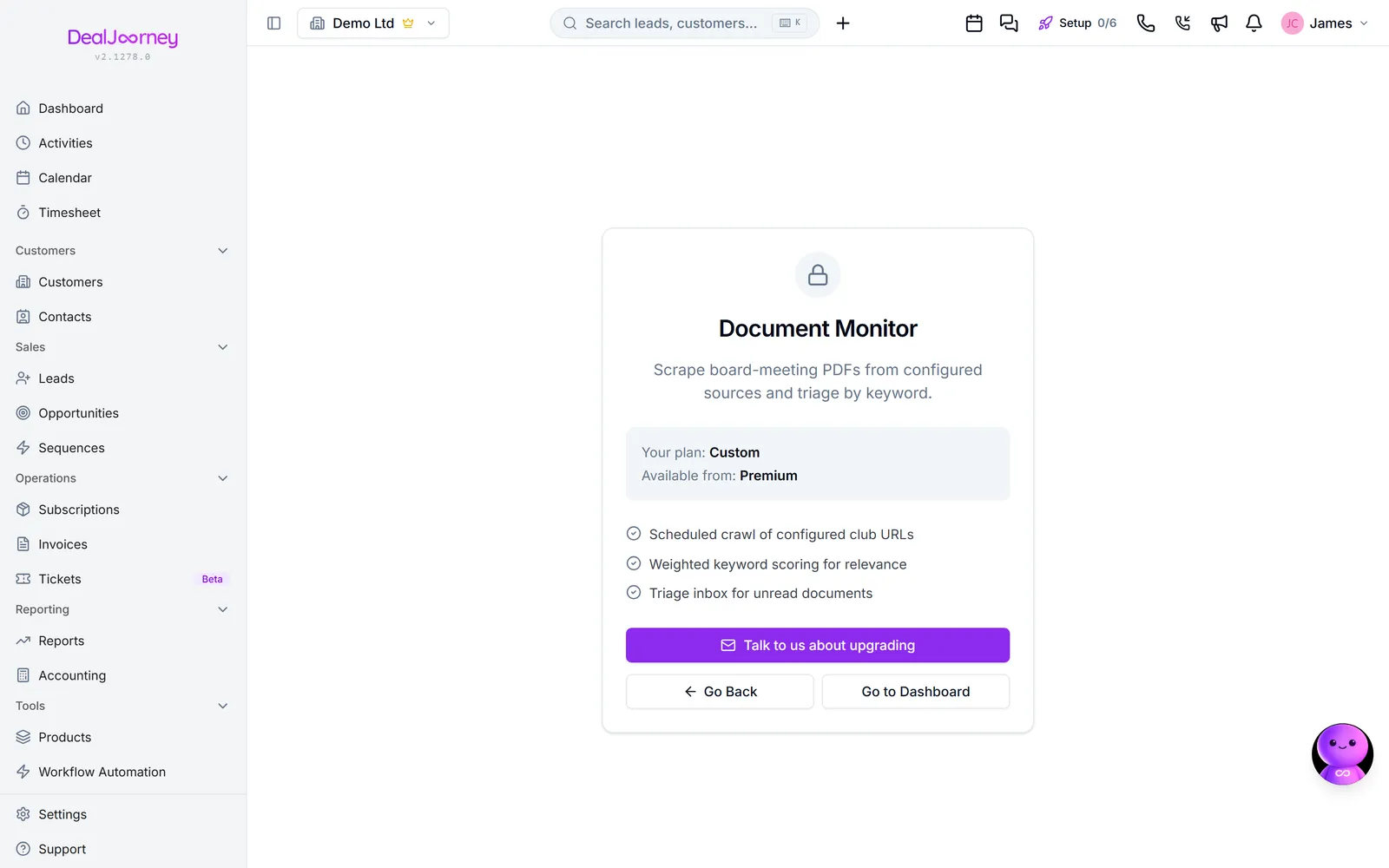
Hantera övervakade källor, nyckelord och dokumentskanning
What it is for. Where opportunities are announced publicly (council agendas, tenders, planning notices), somebody has to notice them before a competitor does. Watching by hand does not survive a busy week. This does it continuously and tells you when something matches.
Two things drive it: the sources being watched, and the keywords that decide what counts as a match. Both are yours to configure.
Keywords are where the value is won or lost. Too broad and every document matches, so the feed becomes noise and stops being read within a fortnight. Too narrow and the one that mattered is missed. Start narrower than feels right and widen when you see what actually comes through.
Review the matches for the first couple of weeks and adjust as you go. A monitor tuned once and never revisited drifts into being ignored, which is worse than not having it: the reassurance is false rather than absent.
Documents get read for you. Every night, the ones that came in are put through the AI: a short summary, who attended, what was decided, the money mentioned, and any date that was set for next time. Documents that hit your keywords are done first, because those are the ones somebody is going to open. It works through a backlog over several nights rather than in one go, so switching a source on does not produce a single large AI bill. It uses your AI credits like every other AI feature, and pauses for a company that has run out.
Document monitor is a customer-specific feature, off by default and enabled only by an explicit company grant. It is not offered through the marketplace's beta programme, and joining a beta cannot enable it.