Contacts
A contact in DealJourney is an individual person: a buyer, an accountant, a project manager, someone you actually talk to. A customer, by contrast, is the company. That split is the core of how the CRM is organised: companies hold the commercial relationship, people hold the conversation.
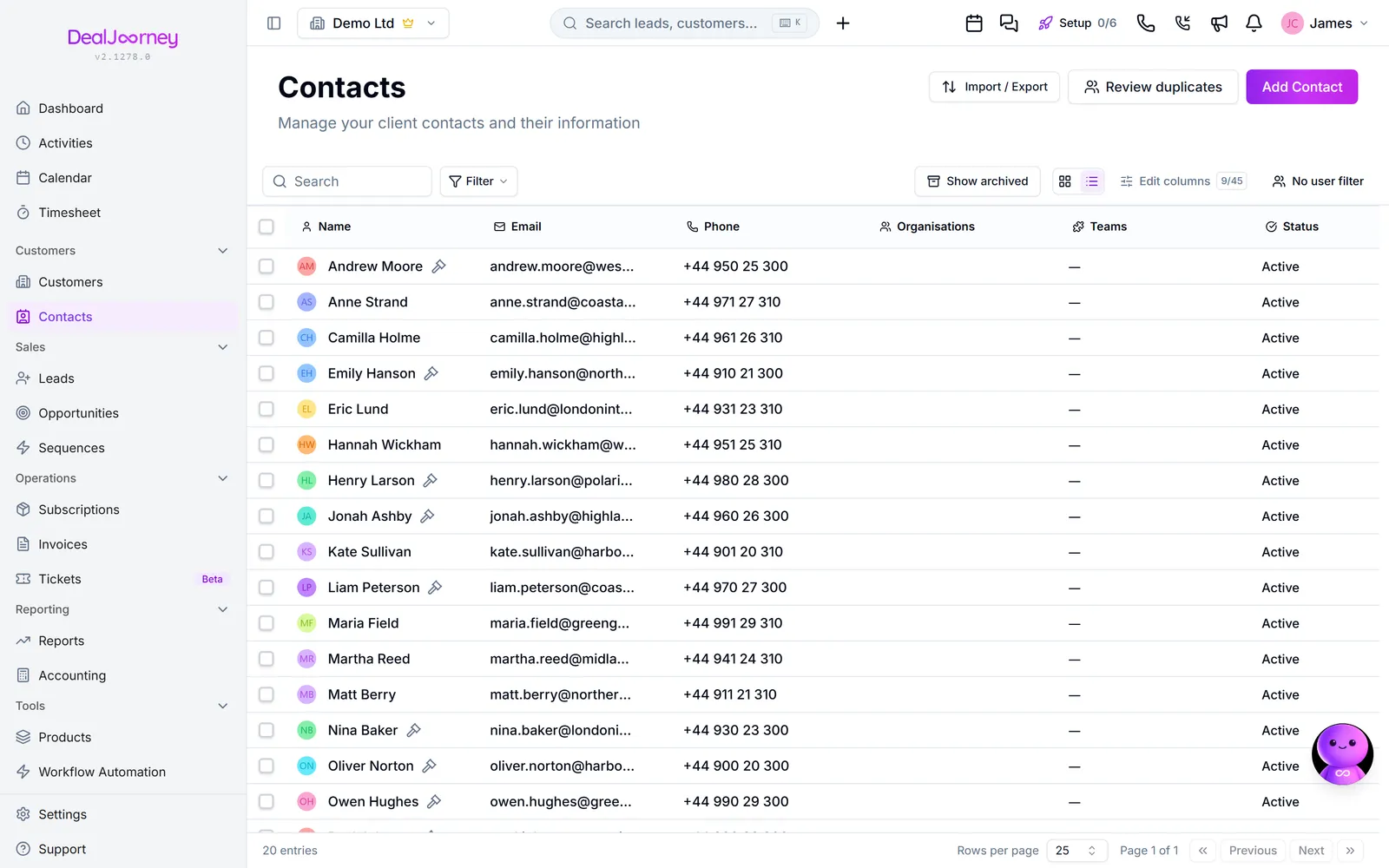
How a contact differs from the things around it:
- Contact vs customer: a customer is the organisation you do business with; a contact is a person there. One customer normally has several contacts, and a contact is only useful once it is linked to the company it belongs to.
- Contact vs lead: a lead is an unqualified prospect that has not been split into a company and a person yet. Converting a lead produces a customer and, usually, a contact.
A contact can belong to more than one company. People move, consult for several firms, or sit on multiple boards, so a contact carries a list of organisations rather than a single company field. One of those links can be marked as the primary one, which is the company shown next to the person's name in lists and pickers.
Each contact link can also be deactivated instead of removed. Deactivating keeps the history (that the person did work at that company) while taking them out of the active contact list for it. Use it when someone leaves a job; use removal only when the link was a mistake.
From the Kontakter page you can add people, search and filter the list, save views you use often, export a selection, and open any contact to see their companies, activity history, and linked records.
What a person has been involved in. Their card has a tab for each kind of work they are part of. Offerter lists every deal they are on. Aktiviteter lists every activity where they are the contact or one of the people involved, and adding one from there starts it on them and their company. Ärenden lists the support cases where they are the contact, shown when your workspace uses tickets. The two newest tabs are added at the end of the row; move or hide them from Edit Layout like any other tab. Projects are not linked to individual people, so there is no projects tab on a person.
I det här avsnittet
Add a contact
Add a person to your CRM, by hand or by looking them up
Add a contact to a company
Attach a person to the company they work for, whether or not they already exist
Edit a contact
Change someone's details, owner, or the company they belong to
Delete a contact
Remove a person, one at a time or in bulk, and what happens to their history
Search, filter, and save contact views
Narrow a long list of people down to the ones you need, and keep the filter for next time
Find and merge duplicate contacts
How two contact records are judged to be the same person, and what survives a merge
See when you last heard from a contact
The date a person last got in touch, and a dated list of everything they have sent you
Reach a contact from their card
The quick action row on a person's card, including a Microsoft Teams chat
Start a quote from a person's card
One click from a contact to a new deal with its quote open, the person and their company already filled in
Vanliga frågor
- How do I create a contact?
- How do I add a contact person to a customer?
- How do I edit a contact?
- How do I delete a contact?
- How do I search contacts?
- What happens to marketing consent when I merge contacts?
- Why does a contact say nothing is on record?
- Why is there no Teams button on this contact?
- Does a contact have a quotes tab?