Email and calendar sync
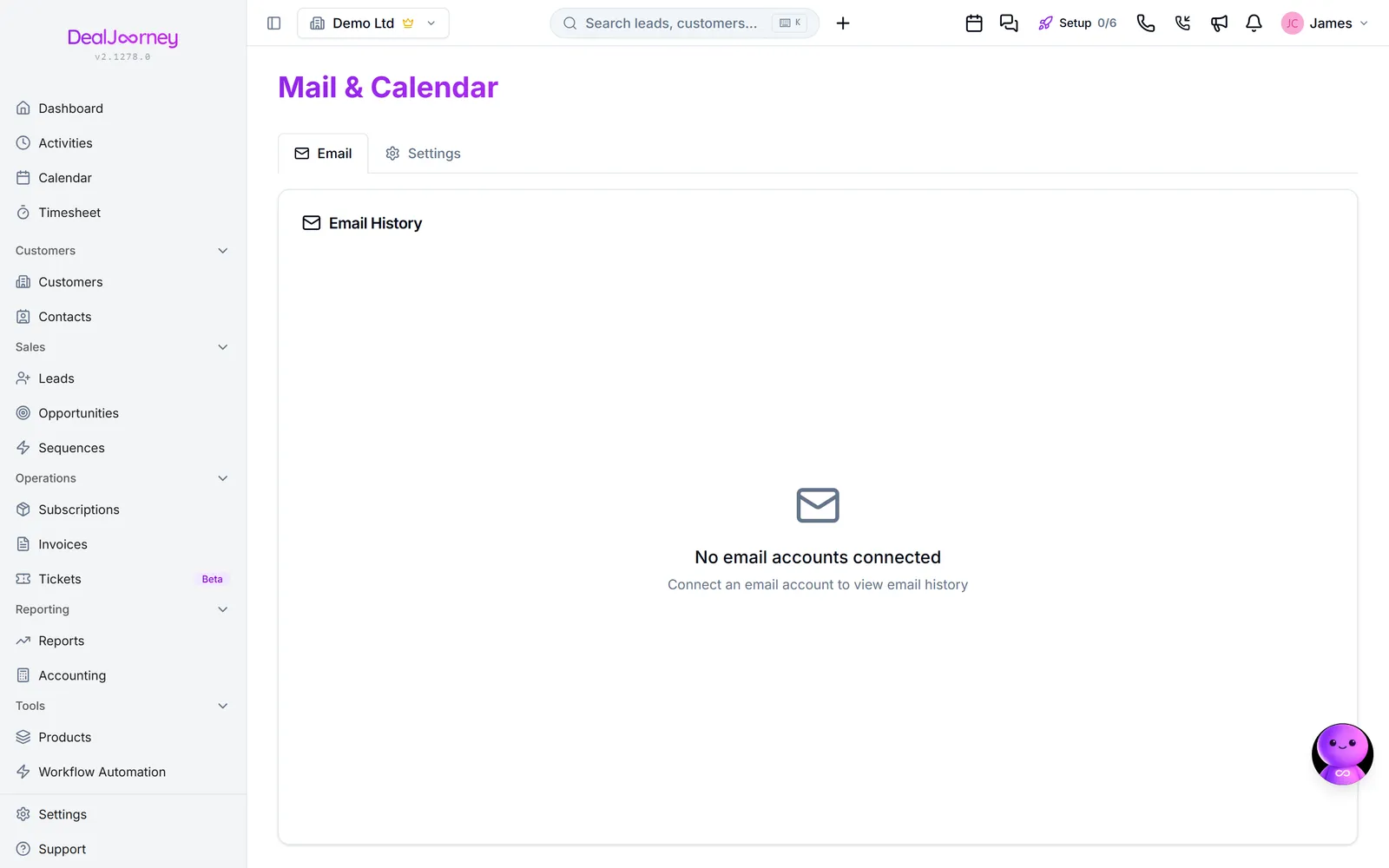
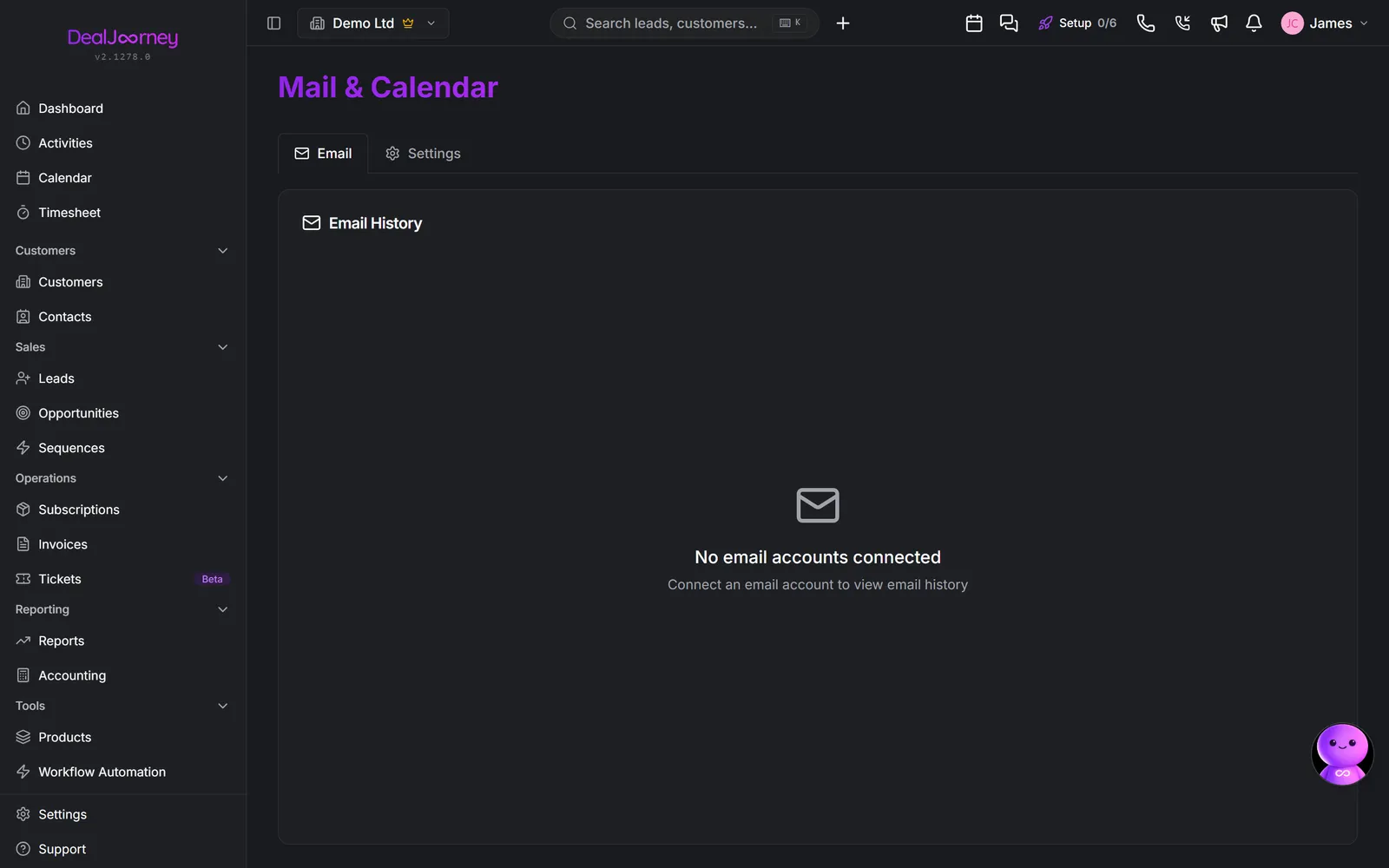
Connecting your mailbox lets DealJourney put the correspondence with a customer onto that customer's record, and send from your own address rather than a system one. It is set up under E-post & Kalender.
What connecting gives you:
- Emails to and from a person in your CRM appear on their record, so the history is visible to whoever picks up the account next.
- You can write from inside DealJourney and it arrives from your real address.
- Your calendar events sync, so meetings show alongside activities.
Whose mailbox it is. A connection is yours, not the company's. Each colleague connects their own, and disconnecting yours affects only your correspondence. This is also why an email thread nobody has connected is missing from a customer record: not a fault, just nobody's mailbox supplying it.
Matching to records. A mailbox can file its own correspondence: switch Lägg e-post automatiskt på kunden on and a message to or from someone in your CRM is attached to them and their company as it arrives, matched on the exact email address. See Put mail on the customer automatically. It is off until somebody turns it on, and until then getting a message onto a record is a search-and-import from that record's own Email tab. Either way a message from someone who is not in the CRM has nothing to attach to, which is a good reason to create the contact before the conversation matters.
Two accounts, two purposes. A mailbox connected for your own correspondence is separate from a mailbox connected as a shared ticket inbox. Disconnecting one that is doing both has consequences beyond your own email: Detta tar bort åtkomsten till din Microsoft-e-post och kalender. Du kan ansluta igen när som helst.
Sync is not instant. Recently sent or received mail can take a little while to appear.
In the Gmail add-on, creating a CRM record refreshes the email's related records after the server confirms the create. If that follow-up read fails, the add-on keeps the success receipt and asks you to reopen the email to update its details. Do not create the record again just because its refreshed details could not be loaded.
I det här avsnittet
Connect Outlook or Microsoft 365
Connect Microsoft 365, including the administrator approval many companies need
Connect Gmail and Google Calendar
Connect Gmail and Google Calendar in one step
Emails are not appearing on records
Why an email is missing from a record, in the order worth checking
Read email on a dark background
Turn the beta dark rendering on or off for email bodies shown in tickets, timelines and the email views
Reading and sending mail inside DealJourney
The Email tab is your mailbox with the CRM around it — folders, replies, templates
Put mail on the customer automatically
Let a synced mailbox file its own correspondence onto customers, contacts and leads
Send an email with replies going to another address, or under another name
Set a reply-to address (for example info@) and a sender name on an email, a mail-out or a scheduled send, and give the whole workspace a default reply-to
Send a test copy of an email to yourself before sending it
Get the email in your own inbox exactly as the recipient will, merge fields filled in, before the real send
Let Dealy suggest a reply to an email in Outlook
In the DealJourney add-in for Outlook, Dealy drafts an answer to the open email without turning it into a ticket first
Vanliga frågor
- Approve DealJourney for the whole organisation
- Connect a Google Workspace account
- Email did not show on the customer
- Why is one email still white?
- Does deleting here delete it in Outlook?
- Why is my email not on the customer?
- Send from my own mailbox but get replies in the shared inbox
- Check how the email looks before sending
- Answer a support email in my own inbox with Dealy