Website chatbot
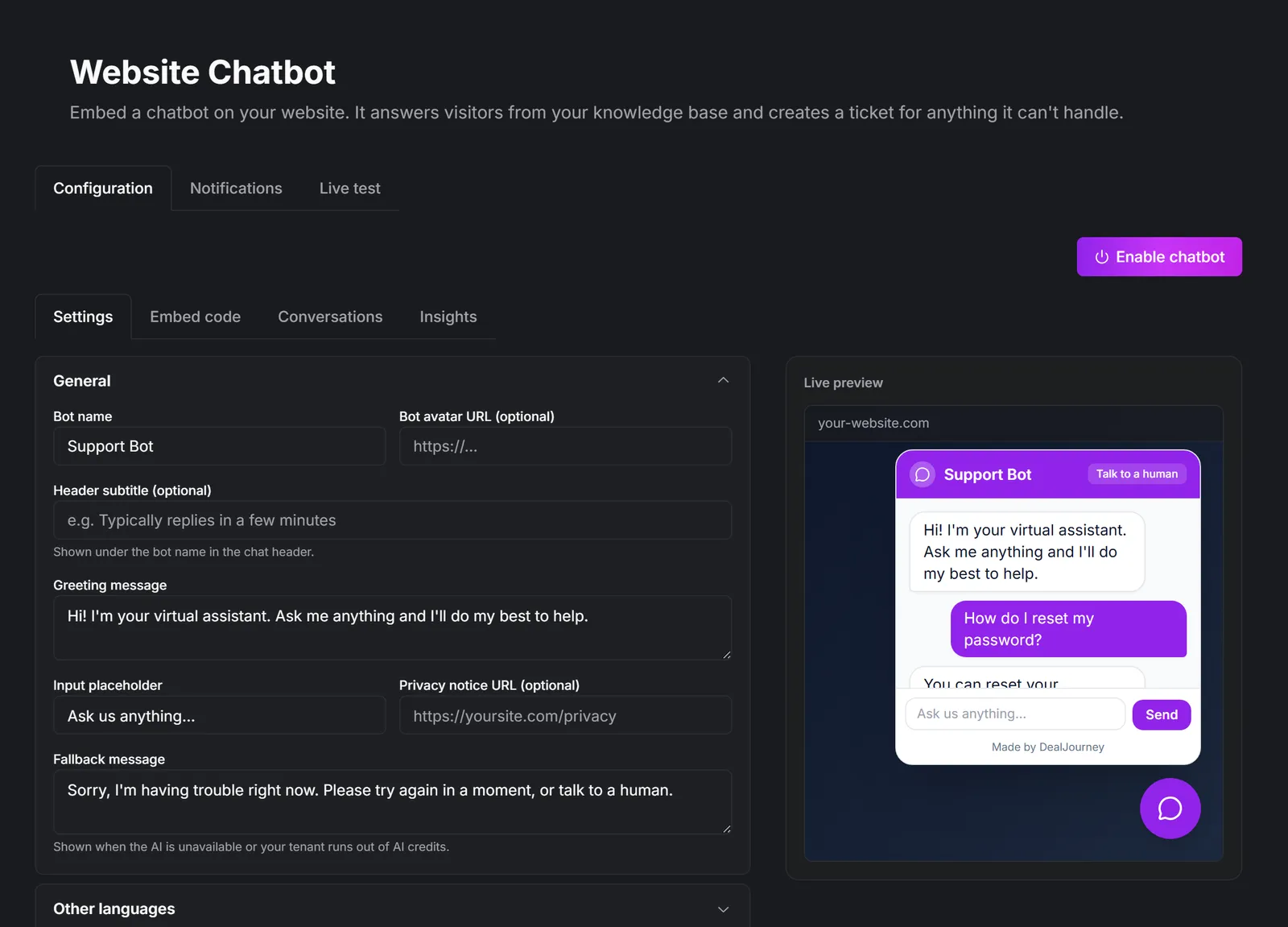
Bädda in en chatbot på din webbplats. Den svarar besökare baserat på din kunskapsbas och skapar ett ärende för allt den inte kan hantera.
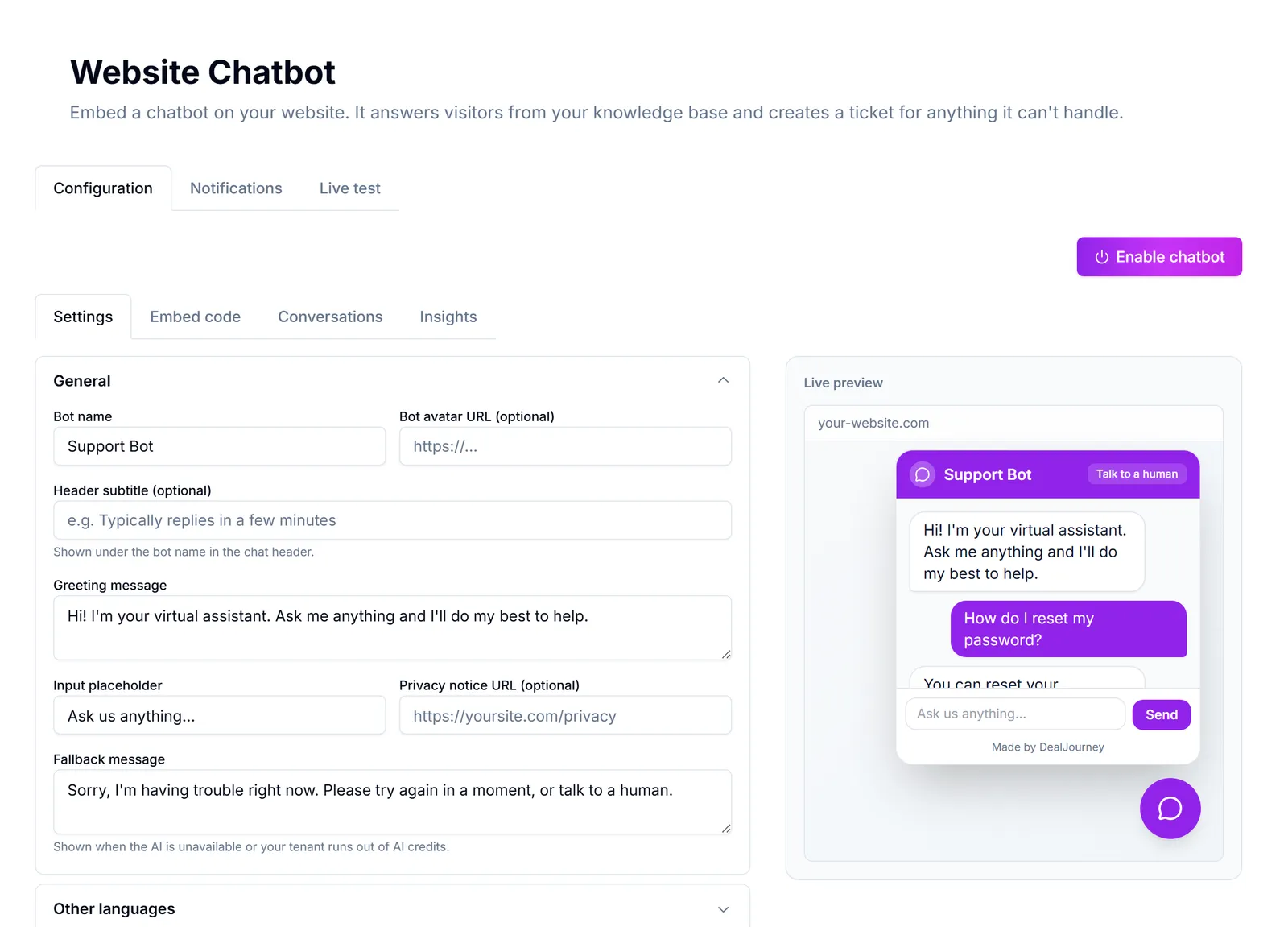
Gör din webbplats till en sälj- och supportkanal som är öppen dygnet runt.
How it fits together:
- Besvarar besökare direkt baserat på din befintliga kunskapsbas — ingen separat upplärning. What the chatbot knows
- Eskalerar allt den inte kan hantera till ett ärende, så att ingenting faller mellan stolarna. What a chat turns into
- Låter ditt team ta över en aktiv konversation från den gemensamma inkorgen när det behövs en mänsklig hand. Step into a live chat
- Kan bäddas in på vilken webbplats som helst med en liten kodsnutt — Webflow, WordPress, Squarespace, Wix, Shopify eller egen HTML. Put the chatbot on your website
Where you configure it: Chatbot på webbplatsen in the admin area, with tabs for Konfiguration, Aviseringar, Inbäddningskod, Konversationer, Insikter and Livetest.
Chatbot versus Dealy. The chatbot faces your *visitors* and answers from your public knowledge base. Dealy faces *your team* and works with your CRM data. They are separate, and the chatbot can see nothing about your customers. See Dealy, the assistant.
Chatbot versus team chat. Team chat is internal conversation between colleagues: Team chat.
It is only as good as your knowledge base. A bot with three articles behind it will escalate almost everything, which is worse than no bot. Write the answers first: Write a knowledge base article
I det här avsnittet
Put the chatbot on your website
Configure the bubble, copy one snippet, and paste it into your site
What the chatbot knows
Public knowledge base articles, plus your own instructions — and nothing else
Step into a live chat
Watch conversations as they happen and take over from the bot when it matters
What a chat turns into
Escalations become tickets, and the conversation is the context