Edit an opportunity
To change an opportunity:
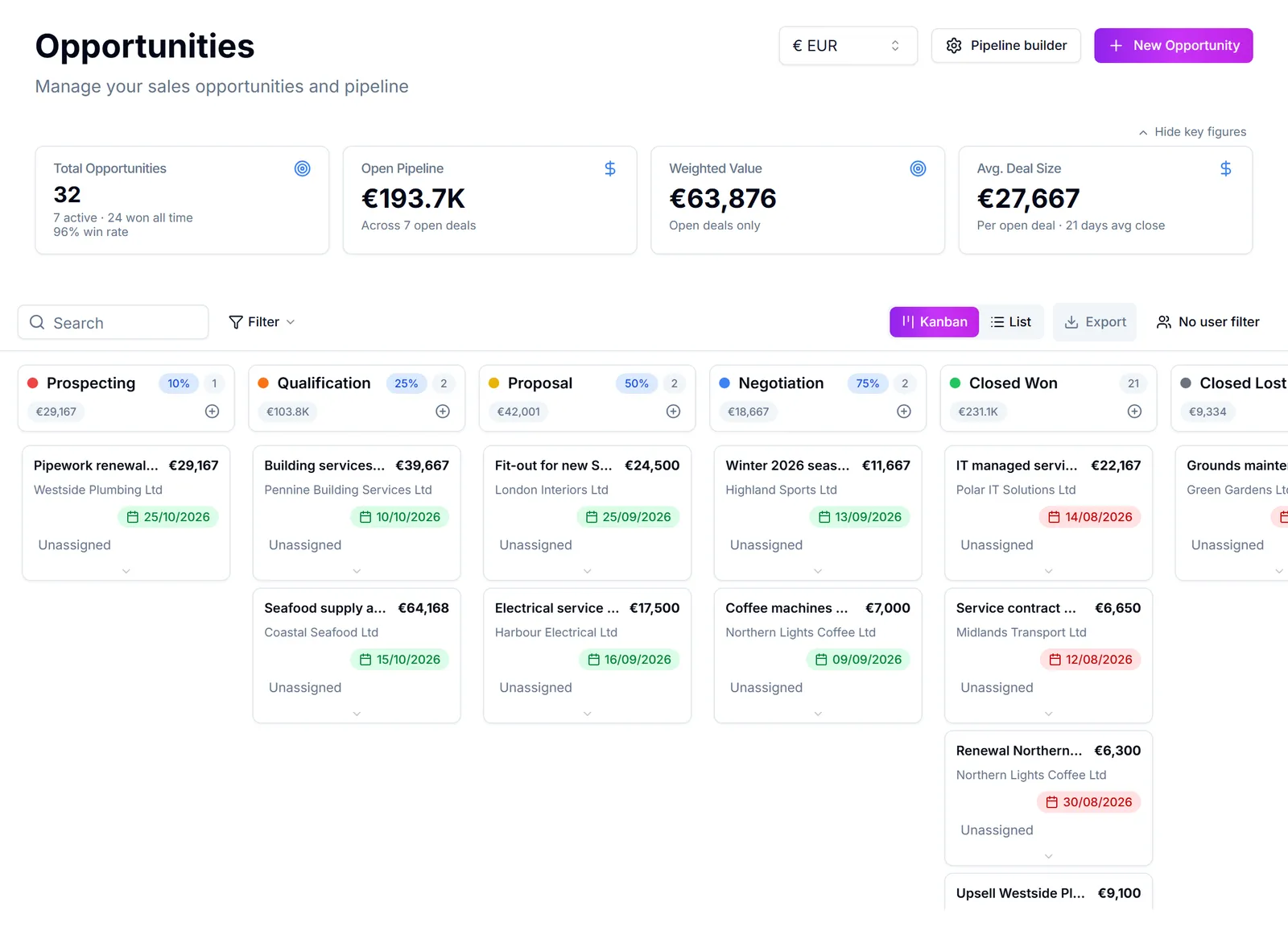
- 1Open Tilbud from the sidebar.
- 2Find the deal and open it, or use Rediger from the menu at the end of its row.
- 3Change what you need: name, amount, expected close date, owner, or any custom fields your company has added.
- 4Press Gem.
Several fields can be edited straight from the list without opening the record: click the cell for the amount, close date, stage, or owner. When working the list view this is much quicker.
The amount and the products are not the same field. If the opportunity has product lines on the Produkter tab, the value is calculated from those lines. Typing over the amount by hand when lines exist puts the two out of step. Change the lines instead. See "Add products to an opportunity".
Losing a deal is not an edit, it is Marker som tabt from the row or record menu. Use it rather than deleting or silently parking the deal, because a recorded loss is what makes your win rate and your pipeline reporting mean anything.
Var det her nyttigt?