Decide what has to be filled in before a record is created
Out of the box a customer needs only a company name. If your workspace needs more than that before a record is worth having, you decide what.
- 1Open Admin from the sidebar.
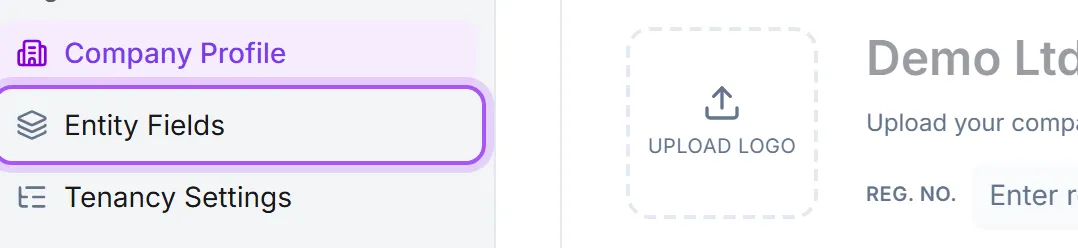
- 2Go to Fältinställningar under Organisation.
- 3Choose the record type: customers, contacts, leads, opportunities, and so on.
- 4At the top of the list is Måste fyllas i innan en post kan skapas, showing exactly what somebody has to fill in today.
- 5Use Kräv ytterligare ett fält to add a field, or the small cross on a field to stop requiring it.
You need workspace administrator access to change these requirements. For opportunities, choosing either a company or a contact is enough to get started unless your workspace explicitly requires those fields. Choose opportunities in this settings page to require additional information before saving.
Any field can go in the list. Standard fields like the phone number or the postcode, and your own custom fields, are treated the same way.
This is what the create form is built from. Creating a record shows the required fields and nothing else, so people are asked a short, specific question instead of a page of empty boxes. The record cannot be created until every one of them holds a value, and the rest of the fields appear as soon as it exists. Anyone who wants to fill more in straight away can open the rest from the link above the fields.
Ask for what you will actually use. Every field you add here is asked for in the moment somebody is trying to get a company into the system, often with the customer on the phone. A field nobody has an answer to yet is the fastest way to get a record called "Test" with a made-up postcode. Things that are known later belong on the record, not on the create form.
Records that arrive from somewhere else are not held to the rule: an import, an ERP sync, an automation or the public API can still create a record without these fields. The rule is about what your colleagues are asked for, not a constraint on the data itself.
A field that the database itself will not accept as empty, like the company name, is always required and cannot be removed from the list.
Var det här till hjälp?