Add users and set what they can do
Adding someone. Open Admin, go to Användare under Personer, and invite them by email address. They get an invitation and set their own password, so you never handle it.
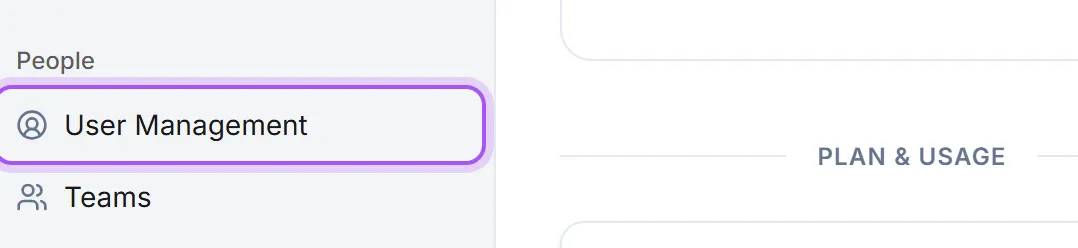
Deciding what they can do. Access is set by role rather than per person. Under Access, Rollåtkomst controls which pages and which capabilities each level of user gets: who can see invoices, who can delete records, who can mass-update data. Change the role and everyone at that level changes with it.
This is the answer to almost every "why can my colleague not see X" question: the page is switched off for their role. Check Rollåtkomst before assuming something is broken.
Team group people for assignment and reporting. Use them to reflect how the company actually works (by region, by desk) rather than mirroring the org chart for its own sake.
Changing someone's details. Redigera användare in the row menu on Användare opens the form. Clicking the person's name opens their own page, which has the same form on it, so you can read what they own and correct their details without going back to the list.
Their profile photo. Open a person from Användare with Redigera användare and use Byt bild to set or replace their picture. You crop it in place, and it saves on its own rather than waiting for Spara. People can always set their own photo from their profile; this is for filling the gaps, which matters when an email template carries the sender's photo.
Removing someone. Deactivating a person ends their access immediately and frees their licence, and it is reversible, so it is the right first step when somebody leaves. The toggle above the user list shows the deactivated people again whenever you need them.
A deactivated person is no longer offered when you assign a record to someone, and the user filter at the top of the lists leaves them out unless you tick Visa inaktiverade användare. Their name stays on everything they already own, and on a record they own they can still be picked, so nothing changes hands by accident.
Staff brought in from your accounting system. When we set up an import of hours or projects from an accounting system such as PowerOffice, colleagues who have no login yet can be added as deactivated people, so their hours and projects have someone to belong to without taking a licence. They appear on Användare as deactivated and are not offered when assigning work. To make one of them a working colleague, invite them with the same email address: they take over everything already linked to them.
Deleting them. Deleting is permanent, and it asks what their work keeps:
- Keep the history leaves their name on everything they worked on, marked as a former member, so old deals and activities still read properly.
- Hand their work to a colleague moves everything they owned to the colleague you pick. Choose this when the work is still live: customers and open opportunities with no owner quietly drop out of the "my records" views everyone works from, and nobody notices until the deal is cold. Their profile counts exactly what that is, and when they were last active: see See what a colleague does and whether they still use it.
- Delete them for good takes their name off everything. The customers, deals and tickets stay in the workspace with no owner.
Clearing out several at once. When a few people have left, Delete deactivated opens a list of the deactivated ones with tick-boxes, so you can select some or all of them and delete them in one go. Only deactivated people appear there, so an active colleague cannot be caught by mistake.
An administrator cannot be deleted at all until their role is changed to regular user. That is deliberate: it stops a workspace losing its last administrator by accident.
Var det här till hjälp?