Add a contact
You add a contact from the Kontakter page in the sidebar.
- 1Open Kontakter from the sidebar.
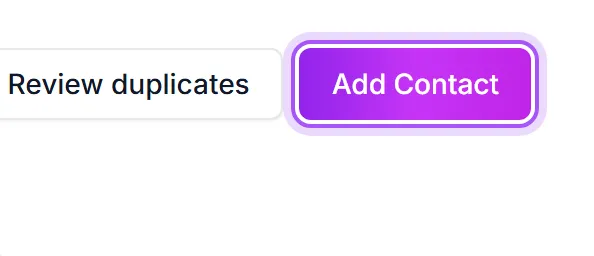
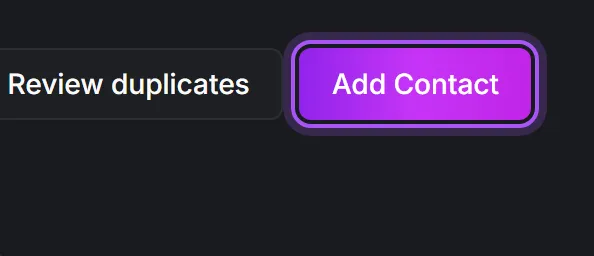
- 2Click Legg til kontakt in the top right of the page. This opens a blank contact page.
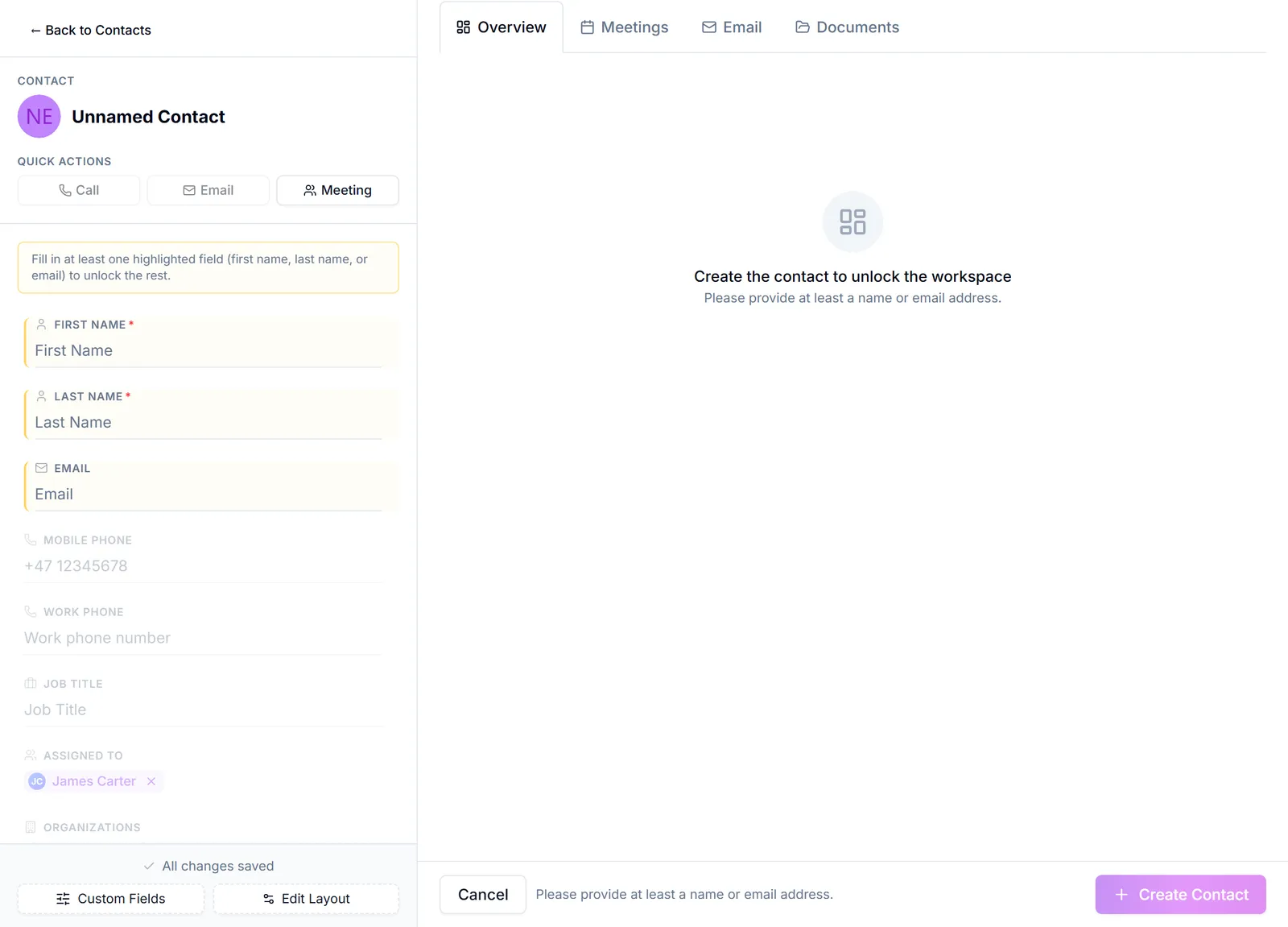
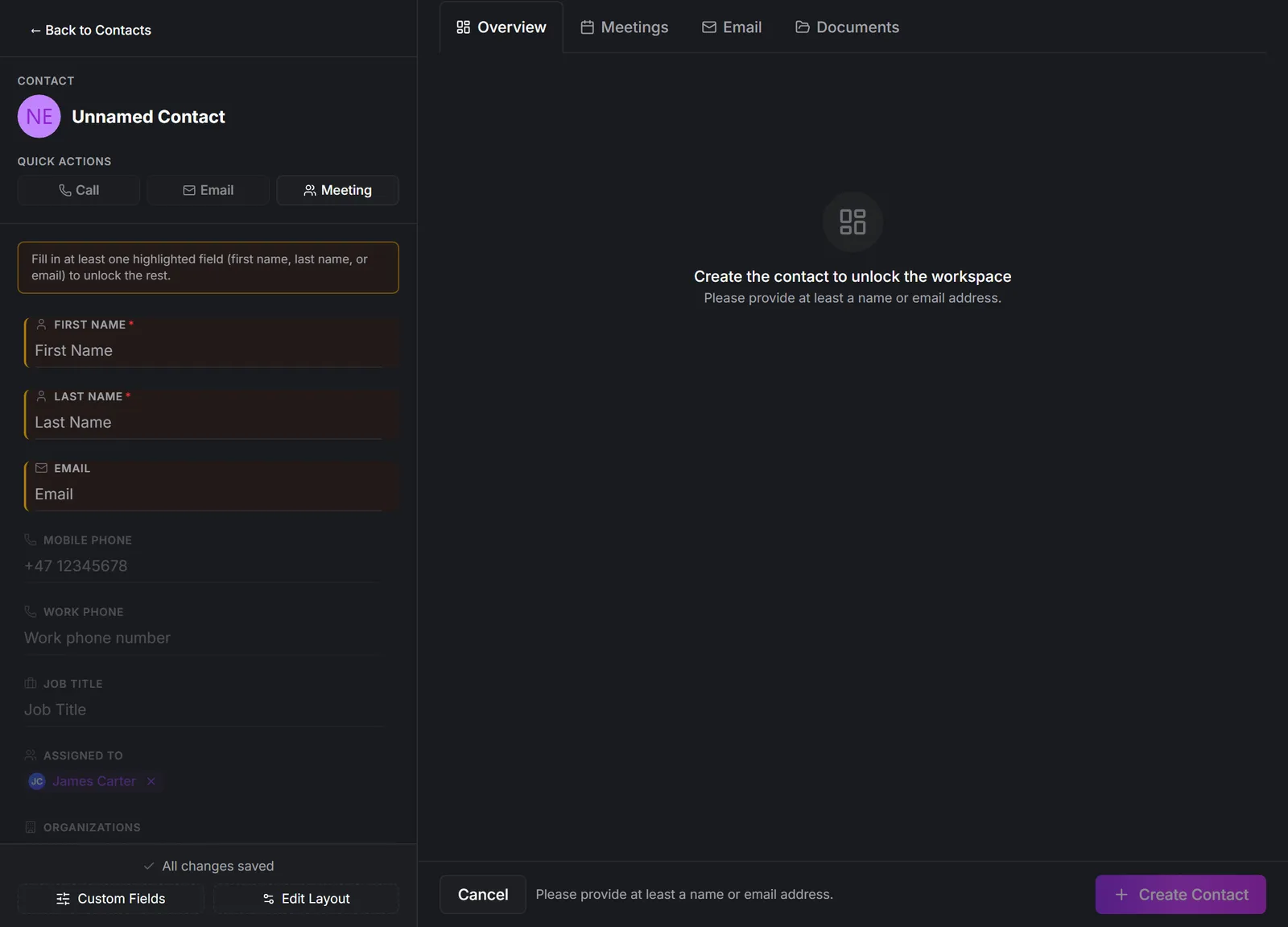
- 3Fill in the person's details. At minimum give them a name; add the email address, phone number and job title too if you have them, so the record is useful later.
- 4Link them to the company they work at using Knytt denne kontakten til en eksisterende kunde. Doing it here saves a step: a contact with no company is hard to find again.
- 5Press Opprett kontakt.
If you are adding somebody who works at a company already in your CRM, it is quicker to start from that company instead: the link is then made for you automatically. See "Add a contact to a company".
DealJourney warns you if the name and email you are entering look like a person already in the CRM, so you can open the existing record instead of creating a duplicate.
The address field suggests real addresses as you type and fills the post code and place for you, exactly as it does on a company. See Add a customer.
From an email in Outlook. The DealJourney add-in adds everyone on the mail you are reading as contacts in one go, attached to their company. Choose who is responsible for them there and they all arrive already assigned.
Var dette nyttig?