Your plan, seats and limits
Open Arbejdsområdeindstillinger in the admin area.
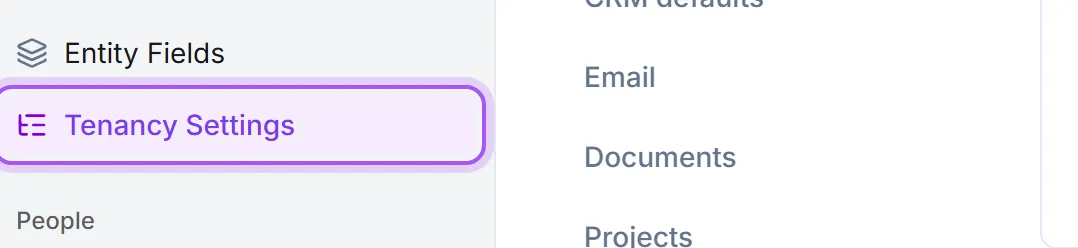
What it tells you:
- The plan you are on, and when a trial expires.
- User capacity — how many seats the plan covers, how many are i brug, and how many are left. Pending invitations count against it, so an Tilgængelige brugerpladser of zero can be invitations nobody has accepted.
- Storage and API usage against their limits.
Running out of seats. The number to watch is Tilgængelige brugerpladser. Hitting zero stops you inviting anyone new, which tends to be discovered on the day somebody starts. Before adding capacity, check the user list for people who have left — removing them frees a seat immediately.
What you are actually billed for is Gennemsnitligt antal brugere denne måned: Beregnet ud fra nøjagtig aktiv medlemstid. So a person added mid-month is not charged as a whole month, and Flest brugere denne måned is shown alongside it so a temporary spike is visible for what it is.
Changing plan. Gennemgå planerne nedenfor. For at ændre plan, kontakt support. For at ændre din plan, kontakt din kontoansvarlige eller support. On a trial, Du er på en prøveperiode. Kontakt os for at opgradere.
Pricing is not shown in the app. Ask us and we will quote it.
Plan versus features. The plan sets the ceiling; which modules are actually switched on for your workspace is a separate matrix: Turn features on and off. A feature you expected to see may be included in your plan but not yet enabled.
Plan versus billing details. Who we invoice, and the VAT number on it, are elsewhere: Set your billing details and verify your VAT number.
Also on this page: Regionale standarder — Standardværdier der anvendes ved oprettelse af kunder og forudfyldning af adresser. — including the tenant Tidszone, which Bruges til planlægning og datogrænser på tværs af lejeren.
Var det her nyttigt?