Change your password
- 1Open Profil & indstillinger and pick Adgangskode.
- 2Click Skift adgangskode.
- 3Enter Nuværende adgangskode, then your new one twice, and confirm.
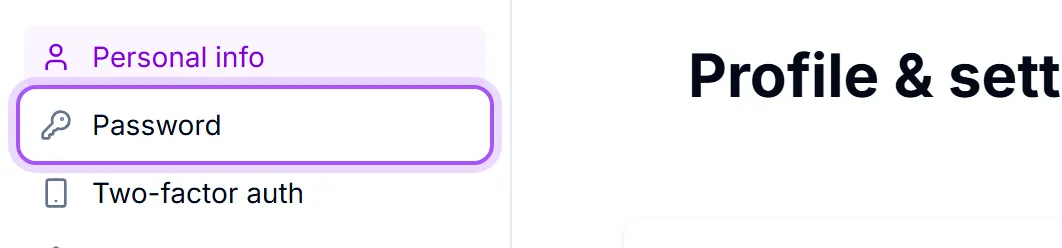
The panel shows Sidst ændret: Aldrig so you can tell at a glance whether yours is ancient.
If you cannot remember the current one, use Glemt nuværende adgangskode? — Send et link til nulstilling af adgangskode til din e-mail That sends a link to your sign-in address and lets you set a new password without knowing the old one. There is a short cooldown between reset emails, so if nothing arrives, check your spam folder before asking for another.
Signing in without a password at all. You can use Sign in with an emailed code with your account email, including if you have never chosen a password. Under Tilknyttede konti you can connect a Google or Microsoft account: Tilføj Google eller Microsoft, så du kan logge ind på den samme konto med begge. Nyttigt, når din arbejdsmail og din Google/Microsoft-mail er forskellige. Once one is linked you can sign in with that button instead of typing anything. You cannot unlink your last remaining sign-in method — that would lock you out — and the panel says so if you try.
Locked out completely? Use the forgotten-password link on the sign-in page. An administrator cannot read or set your password for you; they can only remove your access.
Var det her nyttigt?