Change your name, photo and contact details
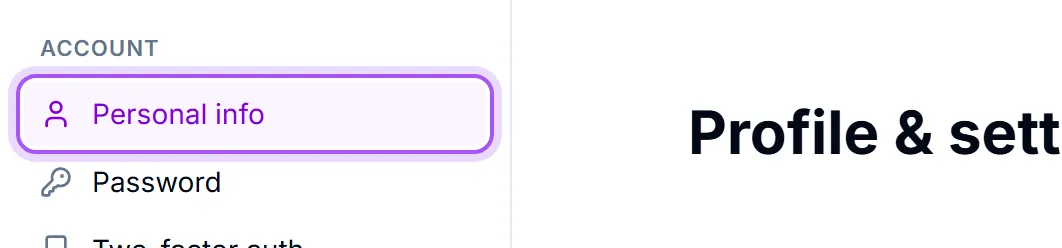
- 1Open Profil och inställningar from your avatar in the top-right.
- 2Stay on Personlig information.
- 3Click Redigera profil.
- 4Fill in what you want to change and save.
What is in there: Fullständigt namn, Jobbtitel, Avdelning, Mobiltelefon, Arbetstelefon and Webbplats.
These are not decoration. Your name and photo are what colleagues see on every record you own, in team chat and in the assignment pickers, and your phone numbers are what a colleague reads off your profile when they need to reach you. A workspace where half the team is an initial in a grey circle is noticeably harder to work in.
Your photo. Ändra foto takes any image up to 5MB. You then crop it — Dra för att flytta. Skrolla eller använd reglaget för att zooma. The same photo is used on your booking pages, so it is worth picking one you would be happy for a customer to see.
Your birthday is optional and off by default. Visas för kollegor i födelsedagswidgeten. Lämna fältet tomt om du vill hålla det för dig själv. Ta bort min födelsedag removes it again at any time.
Changing the address you sign in with. Use Ändra e-post. Om du ändrar din e-post uppdateras adressen du loggar in med. We send a confirmation to the new address first, and nothing changes until you click the link in it — so a typo cannot lock you out. Until you do, the panel shows the change as pending.
What you cannot change here. Organisation is your company, not you: Organisationsnamn och logotyp kan konfigureras i Inställningar → Arbetsyteinställningar. See Set your company details.
Var det här till hjälp?