Using DealJourney on your phone
There is no separate app to download. DealJourney runs in your phone's browser and installs from there, which is why it is always the same version as the desktop and never waits on an app store review.
Open the site in your phone browser, then:
- iPhone (Safari): Share → Add to Home Screen.
- Android (Chrome): the ⋮ menu → Add to Home screen / Install app.
If your plan includes chat, the phone app does not make you hunt for that menu: it shows its own Installera button. See Chat on your phone.
You get an icon that opens full-screen with no browser chrome, and you stay signed in.
The bottom bar is yours to arrange. Open Profil och inställningar → Mobilnavigering.
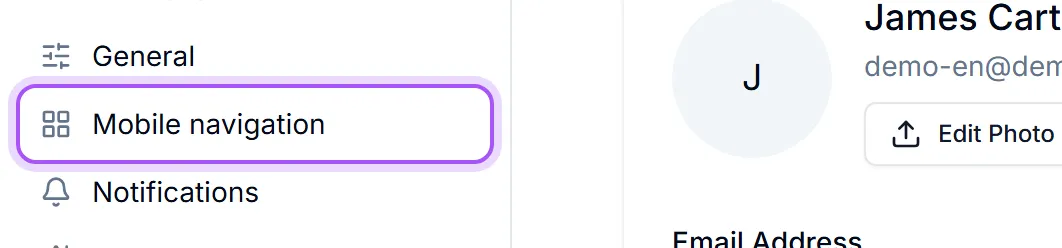
Välj genvägarna som ska ligga i fältet längst ner på skärmen i mobilen. Endast sidor du har tillgång till visas här.
- 1Under Lägg till en genväg, Tryck på en sida för att lägga till den i fältet.
- 2Use Flytta tidigare and Flytta senare to order them, or Ta bort från fältet to drop one.
- 3Förhandsvisning shows exactly what the bar will look like as you go.
”Mer” har alltid sista platsen — den öppnar hela menyn, så inget blir onåbart. So putting the four things you actually do on the move in the bar costs you nothing — everything else is one tap further away rather than gone.
There are only a handful of slots, and Fältet är fullt. Ta bort en genväg ovan för att lägga till en ny. once they are used. Återställ puts the default bar back.
This is per person, so the field seller and the person doing the invoicing can each have the phone they need.
Var det här till hjälp?