Change your name, photo and contact details
- 1Open Profil og innstillinger from your avatar in the top-right.
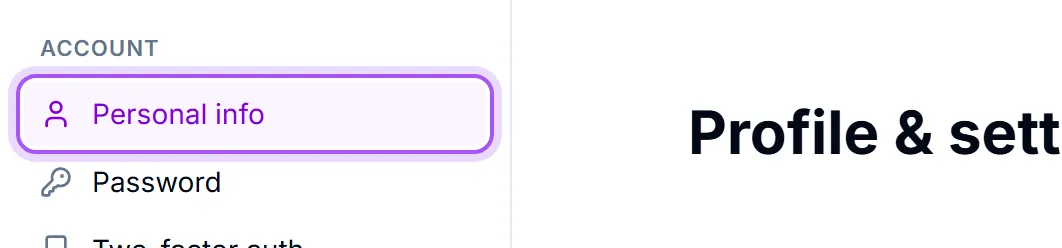
- 2Stay on Personlig informasjon.
- 3Click Rediger profil.
- 4Fill in what you want to change and save.
What is in there: Fullt navn, Stillingstittel, Avdeling, Mobiltelefon, Arbeidstelefon and Nettside.
These are not decoration. Your name and photo are what colleagues see on every record you own, in team chat and in the assignment pickers, and your phone numbers are what a colleague reads off your profile when they need to reach you. A workspace where half the team is an initial in a grey circle is noticeably harder to work in.
Your photo. Endre bilde takes any image up to 5MB. You then crop it — Dra for å flytte. Rull eller bruk glidebryteren for å zoome. The same photo is used on your booking pages, so it is worth picking one you would be happy for a customer to see.
Your birthday is optional and off by default. Vises for kolleger i bursdagswidgeten. La feltet stå tomt om du vil holde det for deg selv. Fjern bursdagen min removes it again at any time.
Changing the address you sign in with. Use Endre e-post. Endring av e-post oppdaterer adressen du logger inn med. We send a confirmation to the new address first, and nothing changes until you click the link in it — so a typo cannot lock you out. Until you do, the panel shows the change as pending.
What you cannot change here. Organisasjon is your company, not you: Organisasjonsnavn og logo kan konfigureres i Innstillinger → Arbeidsområdeinnstillinger. See Set your company details.
Var dette nyttig?