Complete an activity
Mark an activity finished by setting its status to Slutförd. You can do this in two places:
- From the list: open Aktiviteter, find the row, and change the status directly in the status cell.
- From the activity: open it and set the status there, which also lets you write down what came out of the call or meeting before you close it.
Completing an activity does not delete it. It stays on the linked record's timeline as history, which is the point: the trail of what was done and when is usually more valuable than the reminder was.
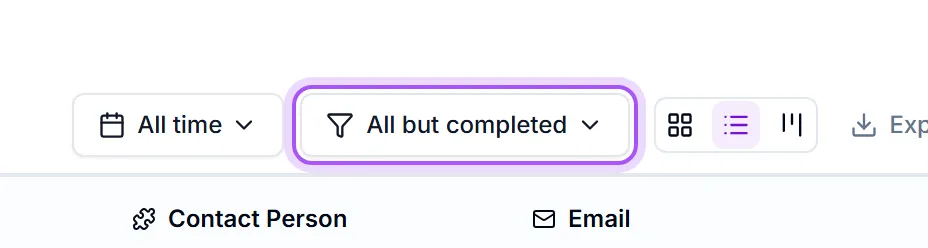
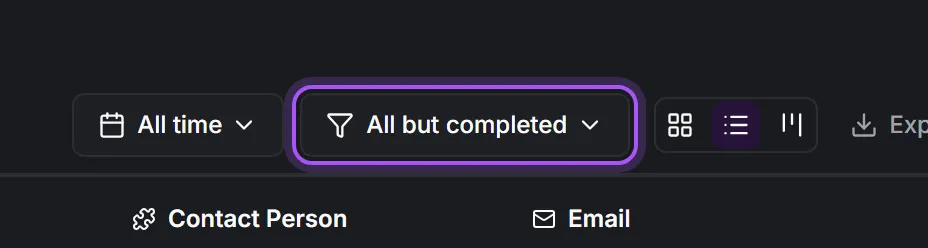
The default filter on the page is Alla utom slutförda, so a finished activity drops out of the list straight away. To find it again, switch the status filter to Slutförd.
Reopening works the same way: set the status back to planned or in progress and give it a new deadline, so it returns to the time filters.
Var det här till hjälp?